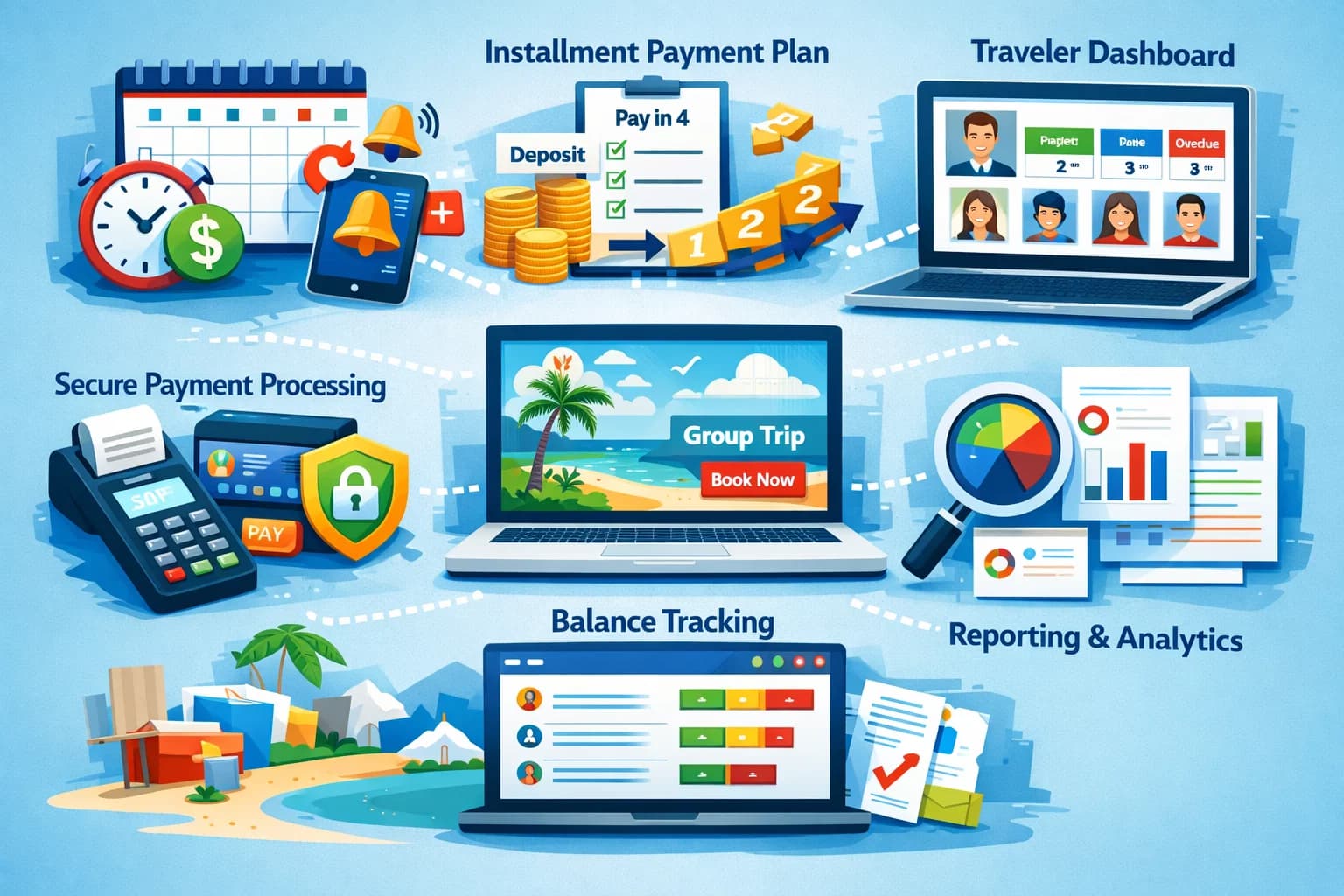

Group travel management software runs a group trip after it books. It keeps one list of travelers and turns it into what everyone else needs: the rooming list for the hotel, the passenger manifest for the airline or transport company, signed forms and waivers, a schedule of supplier payments, messages to the group, and reports on what has been collected and what is still owed.
If you manage employees' business travel, you want a corporate travel management tool or a travel management company (TMC); this page is for agencies and tour operators who organize and sell group trips.
- Collect once, use everywhere. Room choices, legal names, passport details and waivers belong in the booking, not in six spreadsheets.
- Work back from supplier dates. The hotel's cut-off, each carrier's name deadline and every final payment set your calendar.
- Check what each tool does itself. Some include manifests and supplier transfers; others export the data and leave the document to you.
- Selling the trip is a separate job, covered in group travel booking software.
What Group Travel Management Covers
After travelers book, six jobs run until departure, each with its own audience and deadline.
| Job | Who needs it | When it is due |
|---|---|---|
| Rooming list | Hotel or lodge | By the room block cut-off in your contract, then changes |
| Passenger manifest | Airline, cruise line, transport company or permit office | By each supplier's name deadline |
| Forms and waivers | You, your insurer, activity providers | Before the manifest and rooming list |
| Supplier payments | Hotels, transport, guides, venues | On the deposit and final dates in each contract |
| Traveler messages | Travelers | From booking until they are home |
| Reports | You, business partners, your accountant | Weekly while selling, then at close |
The same traveler record feeds all six. When each job keeps its own copy, a roommate swap has to be changed in three places, and one of them gets missed.
Keep one traveler record behind every list. SquadTrip collects room choices, registration answers and e-signed waivers at checkout, so your lists start from the booking. Free to start.
Rooming Lists
1. Collect room choices at booking
Make each room type a package with its own price, and ask for roommate names and requests (accessibility needs, bed type) as registration questions. A traveler who has paid a deposit is on the list; one who has not is a maybe.
Each row of the list needs:
- Room type and bed setup
- The names of everyone sharing the room
- Arrival and departure dates
- Requests such as accessibility needs, adjoining rooms or a crib
2. Lock the list at the cut-off
A room block contract sets a cut-off date, after which the hotel releases unsold rooms and wants final names. Have the final installment land before it, so the list you send matches who has paid. The timeline is laid out in room block vs booking page.
3. Send changes, not new lists
After the cut-off, send the hotel only what changed, such as a roommate swap or an extra night, rather than a full list it has to compare line by line.
In SquadTrip: when a trip is priced by room type, travelers choose their room at checkout and you export the rooming list from the trip's dashboard. Managing a 100-guest wedding block goes through the export field by field.
Passenger Manifests
A manifest is the list a carrier or supplier needs to put names on seats, cabins or permits.
1. Collect the fields exactly as the ID shows them
- Full legal name as it appears on the passport or ID the traveler will use
- Date of birth and nationality
- Passport number and expiry date
- Flight numbers and arrival times, if you arrange transfers
- Emergency contact
2. Check passports early
Ask for passport expiry dates at booking. Some countries refuse entry when a passport expires soon after the trip, and airlines can refuse to board the traveler, so anyone who needs a renewal should find out months ahead, not at check-in.
3. Use each supplier's format
Airlines, cruise lines, transport companies and permit offices each want different columns and deadlines. Build each manifest from your traveler data in the format they ask for rather than retyping it. Confirm spellings with each traveler before you send it; changing a name after a carrier's deadline can cost money or be refused.
In SquadTrip: there is no separate manifest document. You add the manifest fields as custom registration questions, and the answers come out in the traveler export.
Elsewhere: as of 30 Sep 2026, WeTravel lists a "Traveler manifest" and "Rooming and flight lists" on its Pro plan at $79/month, and Rezdy lists a "Guest manifest" on its Foundation plan at $49 per month plus 3% per online booking.
Forms, Waivers and Documents
1. Registration questions
Ask for what your suppliers, insurer and guides need: dietary requirements, medical notes, mobility needs, skill level for an activity trip. What to include in a registration form has a full list.
2. E-signed waivers
Under the federal ESIGN Act, a signature or contract relating to a transaction "may not be denied legal effect, validity, or enforceability solely because it is in electronic form". Put the waiver at checkout so every booking arrives signed, and have a lawyer check the wording for your activities and the states you sell in.
3. A due date for everything else
Some documents arrive later: flight details, visa copies, updated medical notes. Set a due date ahead of your manifest and rooming-list deadlines, and message the travelers who are still missing something.
In SquadTrip: registration forms, custom questions and e-signature waivers are part of checkout.
Supplier Payments
1. Put every supplier date on one calendar
Deposits at signing, interim payments, final payments, and the dates after which cancellation penalties apply. This calendar, not the travelers', is the one that can leave you short of cash.
2. Make traveler installments land first
Set the traveler schedule so money arrives before each supplier payment is due. See how payment plans work for travel agencies and paying a venue deposit before guests pay.
3. Decide which account pays suppliers
Some platforms pay suppliers from the balance they hold for you: WeTravel says transfers from your WeTravel balance to "your suppliers' bank accounts are free and arrive in seconds". SquadTrip does not pay suppliers. Travelers pay you, you pay hotels, transport and guides from your own business account, and SquadTrip's export of who has paid and what they booked is what you share with them.
4. Record each payment against the trip
Log every supplier payment with its date, amount and receipt against the departure it belongs to. That running list of what is paid and what is still due is the other half of your reporting.
Traveler Messaging
1. Keep logistics apart from promotion
Updates and payment reminders about a trip the traveler has booked are transactional. The FTC's CAN-SPAM compliance guide says a message whose content only "facilitates, completes, or confirms a commercial transaction that the recipient already has agreed to" is exempt from most of the Act, while promotional email for your next trip must follow it, including a way to opt out. Keep the two on separate lists, so a traveler who unsubscribes from promotions still gets trip updates.
2. One official channel
Pick one place for official updates and say so at booking. A group chat works for travelers talking to each other, not for changes to the itinerary. SquadTrip includes traveler messaging, so updates go out from the same place travelers booked and paid.
3. A message schedule set at booking
- A confirmation with what was booked and the payment schedule
- A reminder before each installment and each form deadline
- Final details a week or two out: meeting point, transfers, packing list, emergency contacts
- A thank-you after the trip, with the date of the next one
Reporting
1. Balances by traveler
Who has paid in full, who is on a plan, who has missed a payment, and what is due this month.
2. Collected against owed
Money collected for the trip against what you still owe suppliers, so you know how much of the balance is actually yours before you spend it.
3. Rooms and packages sold
How many of each option you have sold against what the hotel is holding, weeks before the cut-off.
4. A close-out for each trip
After the group is home: every traveler balance at zero or written off, refunds and cancellations recorded, supplier invoices matched to payments, and one profit figure per departure for your accountant.
In SquadTrip: the dashboard tracks who has paid and what they booked, you can export that data to share with suppliers, and you can monitor disputes there. Supplier costs are not in SquadTrip, so the collected-against-owed view and the close-out combine its export with your own supplier records.
Choosing a Group Travel Management Tool
Match the tool to the jobs you do most:
- Departures with group flights, where you want manifests and supplier transfers built in: WeTravel lists a traveler manifest and rooming and flight lists on its Pro plan ($79/month), and free transfers to suppliers.
- Trips sold to your own audience, where deposits, payment plans, waivers, a rooming-list export and traveler messaging should sit where travelers book: SquadTrip.
- Daily tours that each need a guest manifest: a tour booking system such as Rezdy.
SquadTrip's Starter plan is free. Travelers pay a single 6% processing fee on top of the trip price, which includes Stripe's 2.9% + 30¢ card fees, so the organizer receives the full price: on a $1,000 trip the traveler pays $1,060 and the organizer receives $1,000. The Launch plan is $29/month. See pricing.
For the other tools around this job (CRMs, itinerary builders, payment apps), see travel agent tools. For running the business itself, see group tour operator 101, and for the wider comparison of group trip software, the best tools for group trip planning.
Run the group from the place it booked. SquadTrip keeps payments, registration answers, waivers and traveler messages together and exports the lists your suppliers need. Free to start.