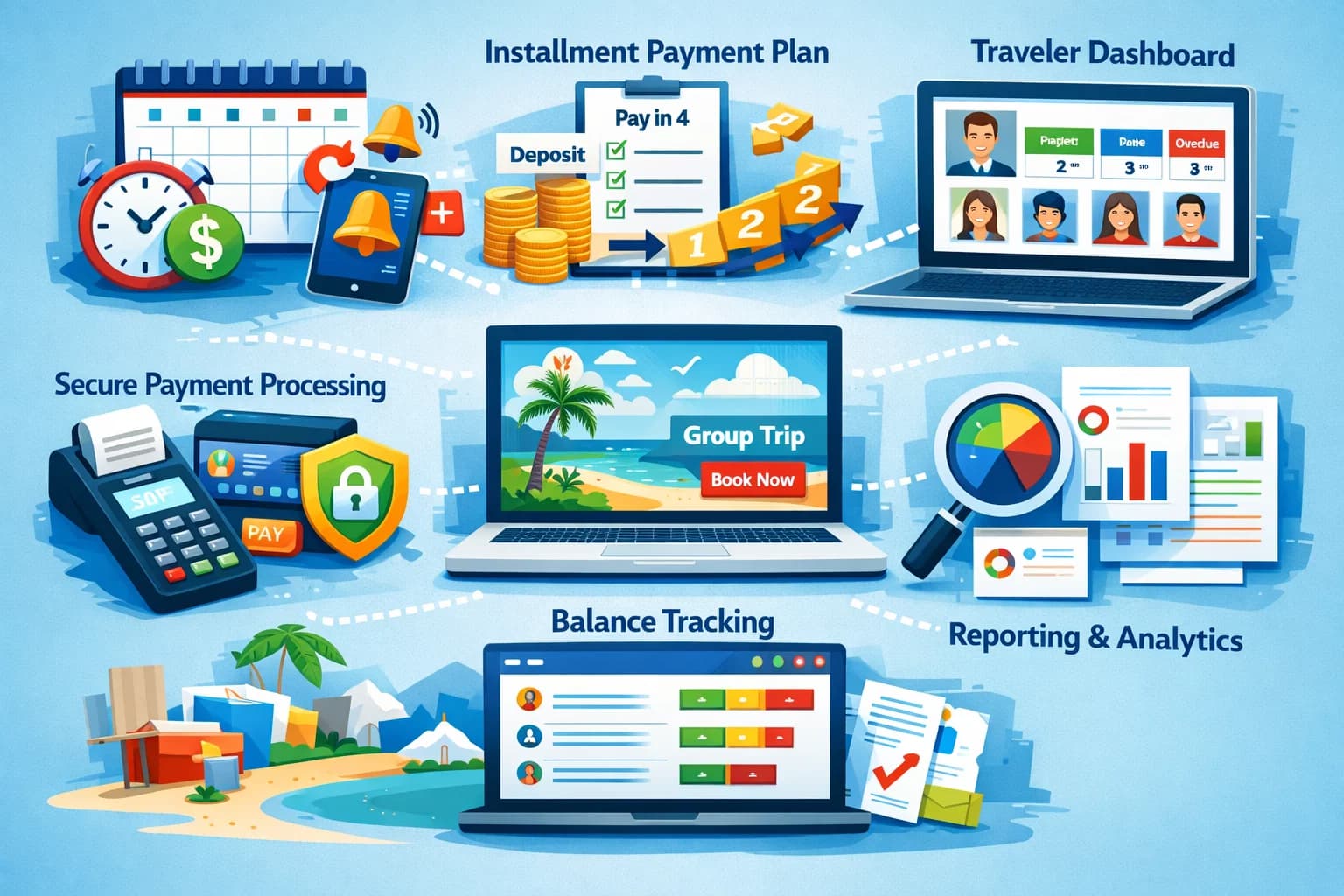

Group travel booking software is how a tour operator or agency sells a departure that many travelers book onto. It gives each departure a booking page, takes a deposit to hold each spot, charges the balance on an automatic payment plan, sells room and package options, and collects registration answers and waivers at checkout. For multi-day group departures, pick a tool built around payment plans, such as SquadTrip or WeTravel. For tours and activities booked by date and time, a tour booking system such as FareHarbor or Rezdy fits better. List on a marketplace or OTA only when you need travelers you cannot reach yourself.
- Group departures sell months ahead and are paid over time, so the deposit and the payment plan matter more than checkout speed.
- Look for one page per departure, deposits, automatic installments that finish before your supplier deadlines, room and package options, Buy Now Pay Later and forms at checkout.
- Compare what the traveler pays and what you receive, not only the monthly price. The prices below come from each company's own pages as of 30 Sep 2026.
- After travelers book, the work moves to rooming lists, manifests and supplier payments. That is covered in group travel management software.
How Group Departures Differ From Tour Bookings
A day tour sells a place on a date to a traveler who pays in full and turns up soon after. A group departure is a different sale:
- It sells months ahead. Travelers commit to a fixed date long before you run it.
- It costs more, so most travelers want to pay in stages rather than all at once.
- It has a fixed number of places, usually split into room types or packages.
- It needs information before travel: legal names, dietary needs, roommates, signed waivers.
- It runs on supplier deadlines. Hotels, transport and guides want deposits and final payments on the dates in your contracts.
A booking system built for single tickets paid in full covers the sale. A group departure also needs the months between the sale and the trip handled, which is why software for group departures is built around the deposit and the payment schedule.
Take deposits without chasing anyone. SquadTrip gives each departure a booking page with deposits and automatic payment plans. Free to start.
What to Look for in Group Travel Booking Software
1. One booking page per departure
Each departure needs its own page: dates, itinerary, what is included, prices, policies and a checkout on the same page. Travelers should be able to book from a link in your newsletter or a social post without emailing you first.
2. A deposit that holds the spot
The deposit is how you know who is actually coming. Size it to cover what you owe suppliers before the balance arrives. Then say on the page:
- The deposit amount and what it secures
- Whether it is refundable, and until what date
- What happens if the departure does not reach its minimum numbers
3. Payment plans that finish before your supplier deadlines
- Installments should be charged automatically on the dates you set, not sent as invoices you chase.
- The last installment should land before your final supplier payment, not after it.
- Travelers who book late need a shorter schedule that still finishes on time.
The mechanics are in how payment plans work for travel agencies.
4. Room and package options
Group trips sell rooms and packages, not seats: single or shared occupancy, a standard or an upgraded package, an extra night. Each option needs its own price, and you need to see how many of each you have sold against what your hotel is holding.
5. Buy Now Pay Later
Buy Now Pay Later (BNPL) lets a traveler split the price through a provider such as Klarna, Afterpay or Affirm instead of your own payment plan. Check which travelers it covers and what it costs them: on SquadTrip it is available to US travelers, and a 4% convenience fee is added to the traveler's total. More in Buy Now Pay Later for group trips.
6. Registration questions and waivers at checkout
Collect legal names, dates of birth, dietary needs, roommate requests and emergency contacts while the traveler is booking, along with an e-signature on your terms or waiver. Asking after payment means chasing every traveler a second time.
7. Fees you can explain
Work out, for one booking, what the traveler pays and what you receive. Card processing on Stripe's standard pricing is 2.9% + 30¢ per successful domestic card payment; booking platforms add their own fee on top, charge you a subscription, or both. Run the numbers per departure: on a $1,000 trip, a 3% fee you absorb is $30 per traveler, or $600 across a 20-traveler departure.
How the Main Options Compare
The descriptions and prices below come from each company's own public pages as of 30 Sep 2026.
| Tool | Built for | Pricing as of 30 Sep 2026 |
|---|---|---|
| SquadTrip | Group trips, retreats and group departures | Starter plan free; travelers pay a 6% processing fee on top of the trip price; Launch plan $29/month |
| WeTravel | Multi-day travel businesses | Basic $0/month, Pro $79/month, Enterprise custom, plus a WeTravel fee on each payment (minimum $1.50) and card processing of 2.9% for Visa and Mastercard or 3.9% for AMEX |
| FareHarbor | Tours, activities, rentals and attractions | No monthly fee; a booking fee is added at checkout and paid by the customer; rate not published |
| Rezdy | Tour operators, activity providers and resellers | $49, $99 or $249 per month, plus 3% per online booking, which you can absorb or pass on to guests; the page does not label the currency |
How to read it:
- Multi-day departures paid over months: SquadTrip and WeTravel both charge installments automatically. WeTravel lists interest-free payment plans of up to 24 installments on its Basic and Pro plans. SquadTrip's 6% fee is paid by the traveler rather than taken out of your price, and US travelers can also pay with Buy Now Pay Later (a 4% convenience fee is added to their total).
- Tours and activities booked by date and time: FareHarbor and Rezdy. Rezdy's homepage highlights distribution, with connections to resellers "like Viator and Google Things to do".
- Wider comparisons: see tour operator software compared and Checkfront vs FareHarbor vs SquadTrip.
When a Marketplace or an OTA Makes Sense Instead
A marketplace such as TourRadar, or an OTA such as Viator, sells your departure to its own travelers and is paid per booking. That can be worth it on three conditions.
1. You need travelers you cannot reach
A new operator without a mailing list, or a departure to a destination your audience does not know you for, gains most from someone else's traffic.
2. The fee fits inside your price
TourRadar charges operators a "Platform Service Fee on each confirmed booking", at the rate shown in each operator's contract rather than a published one. Put the fee in your price before you list, not after.
3. The traveler is a stranger, not a regular
Marketplaces suit one-off buyers comparing departures side by side. They suit your own community, past travelers and private groups less well.
Your own booking page is the better fit when:
- You sell to an audience you built: a newsletter, a church, a club, a following
- You need deposits and a payment plan set to your supplier dates
- You want repeat travelers to book with you directly next year
You can run both: list a departure on a marketplace for discovery, and send your own audience to your own page.
How to Set Up a Group Departure for Bookings
1. Start from your supplier dates
Put every supplier deposit and final payment on one calendar, then set the traveler schedule from it. If you sell travel in the US, check your state's seller-of-travel rules before you take deposits; California, for example, requires all sellers of travel to register with the Attorney General's Office.
2. Set the deposit and the plan
Make the deposit large enough to cover your earliest supplier payments, and end the installments before the final one. If the hotel wants its final payment 60 days before departure, for example, finish the traveler plan two to three weeks before that date, so a declined card has time to be retried.
3. Build the rooms and packages
Create one option per room type or package, each with its own price and a plain description of what it includes.
4. Add registration questions and a waiver
Ask for what your hotel, airline, insurer and guides will need, and put the waiver at checkout so every booking arrives signed.
5. Test the checkout end to end
Book a test traveler, pay a deposit, and check the confirmation email, the payment schedule the traveler sees, and that the registration answers reach you. SquadTrip has a test mode for this.
6. Publish and share
Share the page link. If hosts or partners promote the trip, SquadTrip's affiliate tracking shows the sales each one brings in.
What SquadTrip Costs and Covers
SquadTrip's Starter plan is free. Travelers pay a single 6% processing fee on top of the trip price, which includes Stripe's 2.9% + 30¢ card fees, so the organizer receives the full price: on a $1,000 trip the traveler pays $1,060 and the organizer receives $1,000. The Launch plan is $29/month. Details are on the pricing page.
For selling group departures, it covers:
- Booking pages for each trip
- Deposits and automatic payment plans
- Buy Now Pay Later (Klarna, Afterpay, Affirm) for US travelers, with a 4% convenience fee added to their total
- Room and package options
- Registration forms, custom questions and e-signature waivers
- Traveler messaging, affiliate tracking and test mode
For the wider tool landscape, from planning apps to payment platforms, see the best tools for group trip planning.
Sell your next departure without the spreadsheet. SquadTrip takes deposits, runs payment plans automatically and collects traveler forms at checkout. Free to start.