TL;DR:
- Every group trip organizer starts with a spreadsheet. It works for the first trip with 6-8 friends.
- Spreadsheets break at 10-15 travelers with payment plans. The manual tracking becomes unsustainable: 40-60+ individual payments to track, reminders to send, and balances to reconcile.
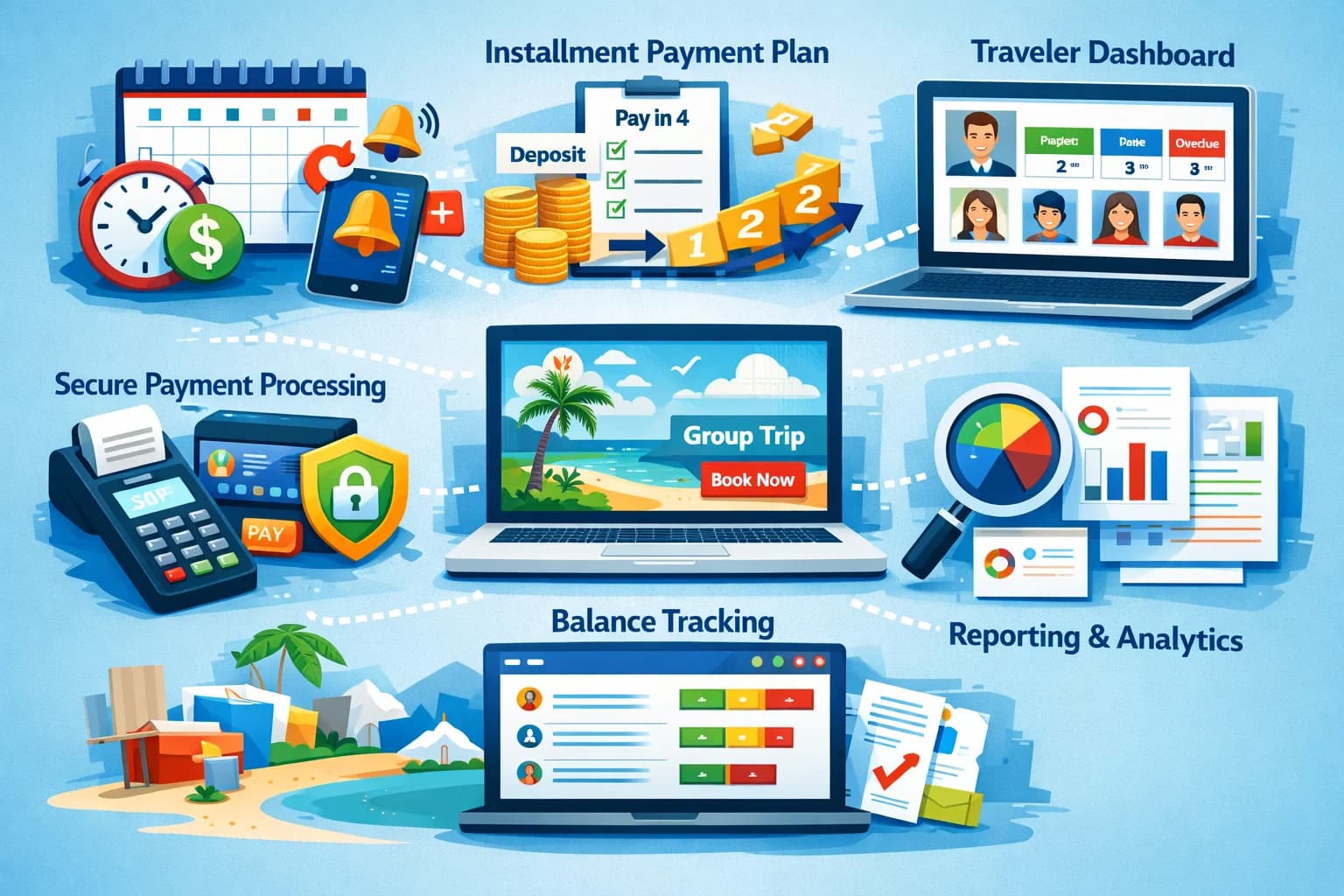
- Booking software like SquadTrip automates everything the spreadsheet cannot: payment collection, installment scheduling, reminders, guest dashboards, and booking pages.
- The switch is free (SquadTrip has a free tier) and takes about 30 minutes to set up your first trip.
The Spreadsheet That Everyone Builds
It always looks something like this:
| Traveler | Package | Deposit | Installment 1 | Installment 2 | Installment 3 | Total Paid | Balance |
|---|---|---|---|---|---|---|---|
| Sarah J. | Premium | $500 Paid | $400 Paid | $400 LATE | - | $1,300 | $700 |
| Mike R. | Standard | $300 Paid | $300 Paid | $300 Paid | $300 Paid | $1,200 | $0 |
| Lisa T. | Premium | $500 Paid | - | - | - | $500 | $1,500 |
Conditional formatting turns cells green (paid), yellow (upcoming), red (overdue). There is a SUM formula at the bottom showing total collected vs total owed.
It is satisfying to build. It is hell to maintain.
Ready to graduate from the spreadsheet? SquadTrip automates payment collection, tracking, and reminders — free to use.
Where Spreadsheets Break
At 10+ Travelers with Payment Plans
A 10-person trip with 4 installments each creates 40 individual payment events to track. A 25-person trip creates 100. Each one requires:
- Checking if the payment arrived (Venmo, Zelle, or bank transfer)
- Updating the correct cell in the correct row
- Recalculating the balance
- Noting the payment date
- Sending a receipt or confirmation
One wrong cell — a misplaced decimal, a payment credited to the wrong row, a formula that does not update — and your entire financial picture is wrong.
No Payment Collection
The spreadsheet tracks payments. It does not collect them. You still need a separate tool (Venmo, Zelle, PayPal, bank transfer) to actually receive the money. Then you manually reconcile what came in with what is on the sheet.
This means two sources of truth that you must keep in sync. They always drift.
No Automated Reminders
When installment 2 is due on March 1, the spreadsheet does not send an email. You do. For 25 travelers, that is 25 individual messages — assuming you remember which ones already paid and which ones need the reminder.
No Traveler Visibility
Travelers cannot see their own payment status. They text you: "Hey, how much do I still owe?" You open the spreadsheet, find their row, calculate the balance, and text back. Multiply by 25 travelers asking the same question.
No Booking Page
New travelers have no place to go to view the trip, select a package, and pay. You send them trip details via email or DM, tell them which Venmo handle to send money to, and then manually add them to the spreadsheet.
No Accountability Trail
If a traveler disputes a payment ("I already paid that"), you have a spreadsheet cell and a Venmo transaction that may or may not match. There is no formal receipt, no timestamp, no automated confirmation email.
What Booking Software Gives You
| Capability | Spreadsheet | SquadTrip |
|---|---|---|
| Payment tracking | Manual cell updates | Automatic — updates when payment is received |
| Payment collection | Separate tool (Venmo, etc.) | Built-in card processing |
| Payment plans | You calculate and send manually | Automated schedules with auto-charge |
| Reminders | You text each person | Automated email reminders |
| Booking page | None — you describe the trip via DM | Branded page with itinerary, packages, checkout |
| Traveler dashboard | None — they ask you | Self-service — travelers see their own balance |
| Receipts | None or manual | Automatic confirmation emails |
| BNPL | Not possible | Klarna, Affirm, Afterpay built in |
| Group chat | WhatsApp or texts | Built into the platform |
| Registration forms | Google Form (separate) | Built into checkout |
| E-signatures | DocuSign (separate) | Built into checkout |
| Reporting | Your SUM formulas | Dashboard with totals, projections, status |
| Cost | Free (your time is not free) | Free tier available |
The Real Cost of a Spreadsheet
The spreadsheet itself is free. But your time is not.
Estimated hours per trip (25 travelers, 4 installments):
| Task | Hours |
|---|---|
| Setting up and maintaining the spreadsheet | 3-5 |
| Sending individual payment reminders (4 rounds) | 4-8 |
| Reconciling payments from Venmo/Zelle/bank | 3-5 |
| Answering "how much do I owe?" questions | 2-4 |
| Chasing late payers | 3-6 |
| Creating and sending trip details to each traveler | 2-3 |
| Total | 17-31 hours per trip |
With booking software, most of this is automated. The organizer's time drops to 3-5 hours per trip — checking the dashboard, responding to questions, and managing the experience.
If you run 4 trips per year, switching from a spreadsheet to SquadTrip saves roughly 50-100 hours per year. At any reasonable value for your time, the ROI is immediate.
When to Make the Switch
You are ready to switch when any of these are true:
- You have more than 10 travelers on a trip
- You are collecting installment payments (not just single payments)
- You spend more than 2 hours per week on payment tracking
- You have had a payment error or dispute you could not easily resolve
- Travelers regularly ask you how much they owe
- You are sending payment reminders via text or DM
- You are using Venmo/Zelle + Google Sheets and they do not sync
- You are planning to grow your trip business beyond casual friend groups
If you checked 3 or more, it is time.
How to Switch (It Takes 30 Minutes)
- Sign up for SquadTrip (free)
- Create your trip — add packages, pricing, itinerary, add-ons
- Set up payment plans — define deposit amount and installment schedule
- Enable BNPL — toggle on Klarna, Affirm, Afterpay
- Share your booking link — travelers visit, view the trip, and book directly
For your existing travelers who already paid via spreadsheet + Venmo, you can add them manually with their payment history recorded. Going forward, all new bookings flow through the platform.
What About Google Forms + Venmo?
Some organizers level up from a plain spreadsheet to Google Forms (for registration) + Venmo (for payments) + Google Sheets (for tracking). This is better than a raw spreadsheet but still has the core problems:
- Three tools that do not talk to each other
- Manual reconciliation between form submissions, Venmo receipts, and the tracking sheet
- No payment plans or automation
- No traveler-facing status
SquadTrip replaces all three with one integrated platform. Registration, payment, and tracking all happen in the same system.
Final Thoughts
The spreadsheet is how every organizer starts. It is not how successful organizers scale. The jump from spreadsheet to purpose-built booking software is one of those changes that makes you wonder why you waited so long.
The tools are free to use. The setup takes 30 minutes. The time savings start on your very first trip. And your travelers get a professional booking experience instead of a "Venmo me $500" DM.
Leave the spreadsheet behind. Try SquadTrip free — booking pages, automated payment plans, and per-traveler tracking in one place.