TL;DR
-
A virtual retreat works best when it is designed around interaction, not passive watching
-
Clear goals, smaller group sizes, and strong facilitation matter more online than offline
-
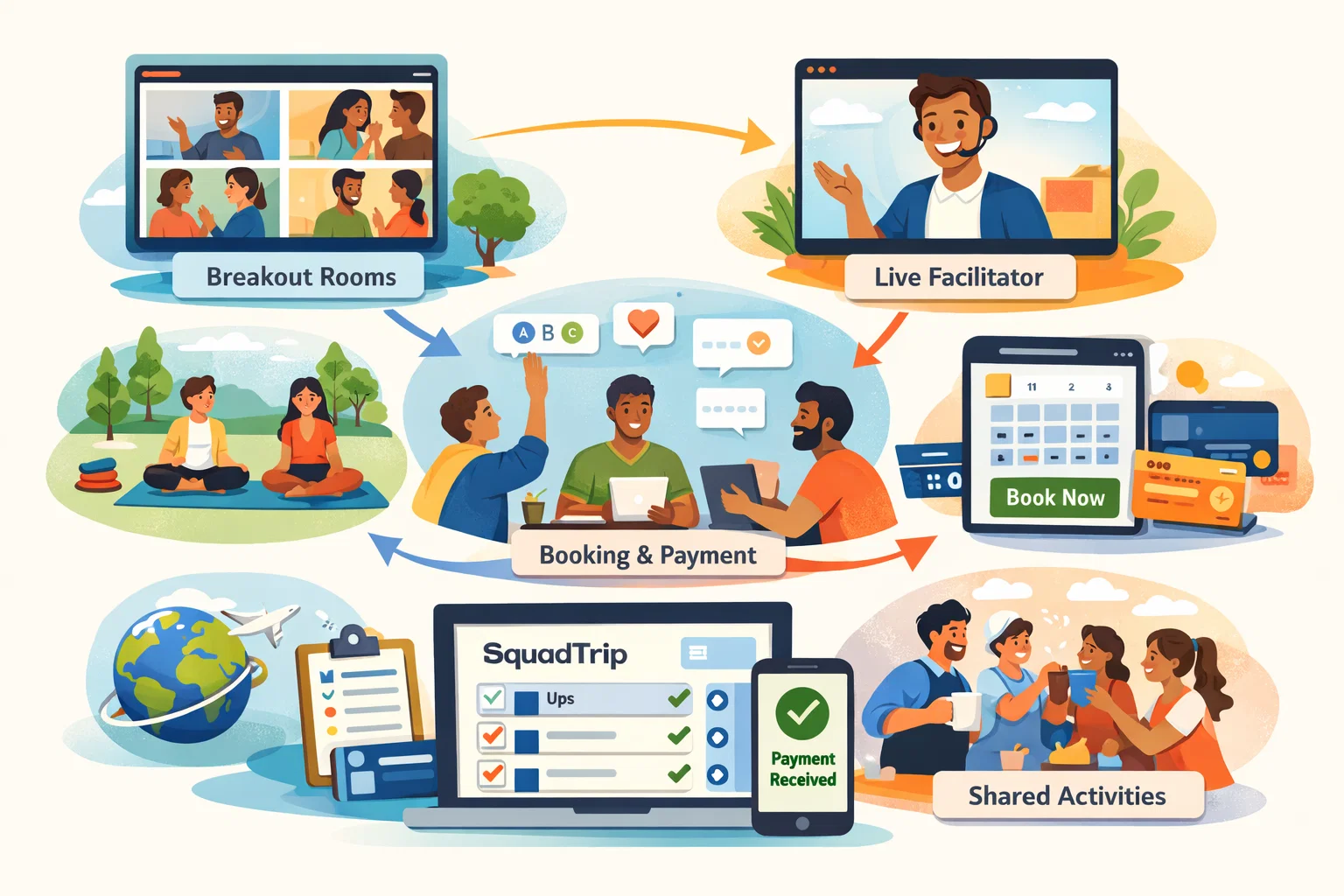
Personal touches like breakout rooms, live check-ins, and shared activities make a virtual retreat feel human
-
A simple booking and payment setup removes friction and builds trust
-
SquadTrip helps you organize sign-ups, collect payments, and keep everything in one place
Introduction
Planning a virtual retreat can feel tricky. You want people to feel connected, relaxed, and present, but everyone is joining from their own space, with distractions just a click away.
The good news is this: a virtual retreat can feel just as personal and interactive as an in-person one if it is planned the right way.
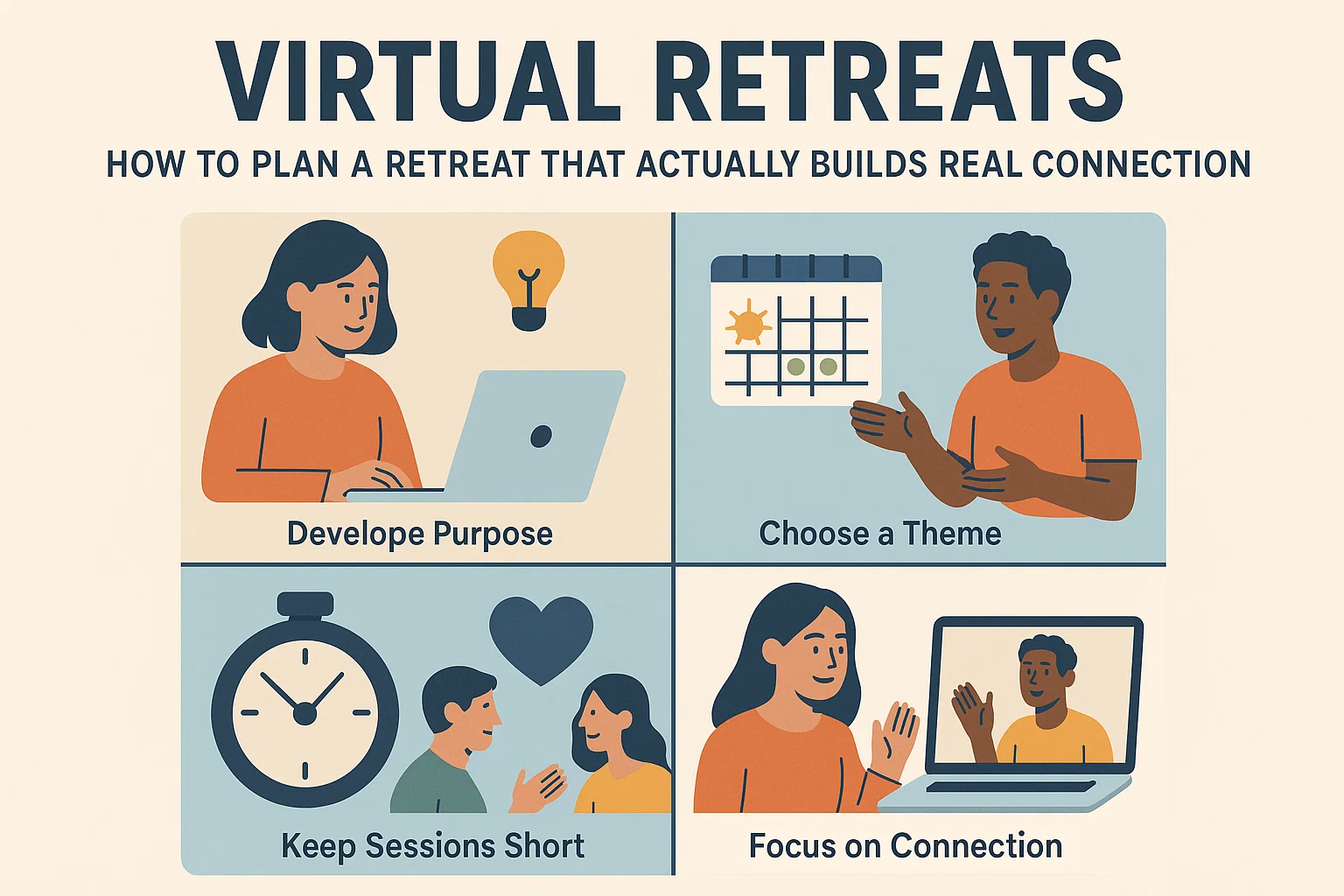
This guide walks you through how to plan a virtual retreat that feels intentional, engaging, and worth attending. It covers everything from defining your purpose to structuring sessions, building connection, managing logistics, and making it easy for people to join and pay.
Whether you are hosting a wellness retreat, team retreat, spiritual gathering, or creative workshop, these principles apply.
Hosting recurring virtual retreats? SquadTrip makes it easy to manage multiple events and keep everything organized.
What Makes a Virtual Retreat Different From a Regular Online Event
Before planning sessions or tools, it helps to understand how a virtual retreat is different from a webinar or online class.
A retreat is about:
-
Slowing down
-
Reflection
-
Shared experience
-
Personal connection
A virtual retreat fails when it feels like:
-
A long Zoom meeting
-
A series of lectures
-
Passive screen time
Your goal is not to fill hours. Your goal is to design moments.
Define the Purpose of Your Virtual Retreat First
Every successful virtual retreat starts with clarity.
Ask yourself:
-
Why are people attending this retreat?
-
What do you want them to feel at the end?
-
What problem or need does this retreat address?
Common virtual retreat goals include:
-
Reducing burnout
-
Building team trust
-
Creative exploration
-
Spiritual reflection
Once your purpose is clear, every decision becomes easier.
Choose the Right Format for Your Virtual Retreat
Not all virtual retreats need to look the same. The format should match your audience and goal.
Single-Day Virtual Retreat
Best for:
-
Busy professionals
-
First-time hosts
-
Introductory experiences
Typical structure:
-
3 to 5 hours total
-
Short sessions
-
Plenty of breaks
Multi-Day Virtual Retreat
Best for:
-
Deeper transformation
-
Community building
-
Wellness or spiritual retreats
Typical structure:
-
2 to 5 days
-
2 to 4 hours per day
-
A mix of live and self-guided activities
Hybrid Live and Self-Paced Retreat
Best for:
-
Global audiences
-
Different time zones
This format includes:
-
Live anchor sessions
-
Recorded practices
-
Offline reflection exercises
Read More: 12 Luxury Wellness Retreat Themes for Hosts and Guides
How to Structure Sessions That Feel Interactive
Keep Sessions Short and Focused
Online attention spans are shorter.
Ideal session length:
-
30 to 45 minutes per segment
-
10 to 15 minute breaks between segments
Break longer ideas into smaller parts.
Use a Predictable Rhythm
People feel safer and more present when they know what to expect.
Example rhythm:
-
Opening grounding exercise
-
Main activity or discussion
-
Reflection or sharing
-
Short break
Consistency builds comfort.
Design Interaction Into Every Session
If people are not interacting, they are drifting.
Use Breakout Rooms Intentionally
Breakout rooms are one of the most powerful tools in a virtual retreat.
Best practices:
-
Keep groups small, 3 to 5 people
-
Give clear prompts
-
Assign time limits
-
Encourage cameras on, but do not force it
Example prompts:
-
Share one word that describes how you are feeling
-
Reflect on today’s theme and discuss one takeaway
-
Answer a guided question together
Encourage Real-Time Participation
Ways to increase live engagement:
-
Chat check-ins
-
Polls
-
Hand-raise moments
-
Shared documents or whiteboards
Avoid calling on people unexpectedly. Invitation works better than pressure.
Add Personal Touches That Make a Virtual Retreat Feel Human
This is where most virtual retreats fall short.
Start With a Warm Welcome
Open the retreat with:
-
A clear agenda
-
Community guidelines
-
A tone-setting exercise
Let people know:
-
Cameras are optional
-
Participation is encouraged but not required
-
This is a safe, respectful space
Use Names Often
Hearing your name builds connection.
Simple habits:
-
Greet people by name when they speak
-
Use name tags or display names
-
Encourage introductions in small groups
Create Shared Rituals
Rituals build a sense of togetherness.
Examples:
-
Opening breathing exercise each day
-
Shared music at the start
-
Journaling prompts
-
Closing gratitude circle
Plan Offline Activities to Reduce Screen Fatigue
A virtual retreat does not mean constant screen time.
Build in offline moments:
-
Guided journaling
-
Walking meditation
-
Creative exercises
-
Reflection breaks
Ask participants to:
-
Step away from the screen
-
Return at a specific time
-
Share reflections afterward
This balance keeps energy high.
Manage Group Size Carefully
Bigger is not always better.
Recommended group sizes:
-
10 to 25 for deep connection
-
25 to 50 for structured interaction
-
50+ requires strong facilitation and clear roles
If your group is large:
-
Use co-hosts
-
Assign breakout room facilitators
-
Keep instructions simple
Choose Tools That Support, Not Distract
Your tech stack should be boring and reliable.
Core tools:
-
Video platform with breakout rooms
-
Simple scheduling
-
Central place for updates and links
Avoid:
-
Too many platforms
-
Complicated logins
-
Last-minute changes
Consistency builds trust.
How to Price a Virtual Retreat
People will pay for virtual retreats when the value is clear.
Pricing factors:
-
Length of retreat
-
Level of interaction
-
Host experience
-
Group size
-
Live vs recorded access
Common pricing models:
-
Flat fee
-
Early bird pricing
-
Tiered access
-
Group discounts
Be transparent about:
-
What is included
-
Live session access
-
Recordings
-
Refund policy
Make Registration and Payments Easy
Friction kills sign-ups.
A good booking flow:
-
Clear retreat page
-
Simple pricing
-
Easy payment options
-
Confirmation after sign-up
Participants should know:
-
When sessions happen
-
How to join
-
What they need to prepare
SquadTrip helps you:
-
Collect payments securely
-
Track who has signed up
-
Share updates in one place
-
Avoid manual follow-ups
Prepare Participants Before the Retreat Starts
Preparation increases engagement.
Send a welcome email that includes:
-
Retreat schedule
-
Access links
-
What to bring
-
How to prepare their space
Optional prep ideas:
-
Reflection questions
-
Short reading or video
-
Music playlist
-
Intention-setting exercise
When people arrive prepared, sessions go deeper.
Facilitation Tips for Virtual Retreat Hosts
Set Clear Expectations
At the start, explain:
-
How interaction will work
-
When breaks happen
-
How to ask questions
-
What support is available
Clarity reduces anxiety.
Be Present, Not Perfect
You do not need to perform.
Focus on:
-
Listening
-
Responding
-
Holding space
Silence is not a failure. It is often where reflection happens.
Have a Backup Plan
Always prepare for:
-
Tech issues
-
Late arrivals
-
Low energy moments
Simple backup ideas:
-
A grounding exercise
-
A journaling prompt
-
A short break
Keep the Connection Going After the Virtual Retreat
The retreat does not end when the call ends.
Post-retreat ideas:
-
Send a recap email
-
Share recordings
-
Offer reflection prompts
-
Invite feedback
You can also:
-
Create a follow-up session
-
Offer a community space
-
Share next retreat dates
This builds long-term trust and repeat attendance.
Common Mistakes to Avoid When Planning a Virtual Retreat
-
Overloading the schedule
-
Talking too much without interaction
-
Ignoring time zones
-
Using too many tools
-
Skipping clear communication
A simpler retreat often creates a better experience.
Read More: 5 Common Group Trip Planning Mistakes for Hosts to Avoid
Example Virtual Retreat Schedule
Here is a simple sample for a one-day virtual retreat.
Morning:
-
Welcome and intention setting
-
Main session
-
Breakout discussion
-
Break
Midday:
-
Guided offline activity
-
Reflection time
Afternoon:
-
Group sharing
-
Closing ritual
-
Next steps
This structure balances energy, connection, and rest.
Why Virtual Retreats Are Here to Stay
Virtual retreats:
-
Remove travel barriers
-
Reach global audiences
-
Lower costs
-
Offer flexibility
When designed well, they are not a compromise. They are a different kind of experience.
People remember how a retreat made them feel, not where they were sitting.
Conclusion: Make Your Virtual Retreat Feel Like It Was Made for Them
A meaningful virtual retreat is not about fancy tools or long agendas. It is about intention, connection, and thoughtful design.
When you:
-
Define a clear purpose
-
Design for interaction
-
Add personal touches
-
Keep logistics simple
You create an experience people will remember and recommend.
If you want to focus on hosting and connection instead of spreadsheets and payment tracking, SquadTrip is built to support you.
Try SquadTrip to plan, manage, and host your virtual retreat with less stress and more clarity.
Frequently Asked Questions About Virtual Retreats
What is a virtual retreat?
A virtual retreat is an online event designed to help participants slow down, reflect, and connect through guided sessions, discussions, and activities. Unlike webinars, a virtual retreat focuses on interaction, presence, and shared experience rather than passive learning.
How long should a virtual retreat be?
A virtual retreat can last anywhere from a few hours to several days. Most successful formats include:
-
3 to 5 hours for a single-day retreat
-
2 to 4 hours per day for multi-day retreats
Shorter sessions with regular breaks work best to avoid screen fatigue.
How do you make a virtual retreat feel personal?
A virtual retreat feels personal when it includes:
-
Small breakout groups
-
Live discussions instead of long lectures
-
Guided reflection and sharing
-
Use of participant names
-
Clear facilitation and a welcoming tone
Intentional interaction matters more than production quality.
What tools do I need to host a virtual retreat?
At minimum, you need:
-
A video platform with breakout rooms
-
A clear schedule
-
One central place for updates and access links
Avoid using too many tools. Simple setups help participants stay focused and present
How many people should attend a virtual retreat?
For a more personal experience, 10 to 25 participants is ideal. Larger groups can work but require stronger facilitation, co-hosts, and well-structured breakout sessions to keep everyone engaged.