TLDR
-
Virtual retreats work best when they feel intentional, not like another meeting.
-
Set a clear purpose, choose a theme, and build a schedule that mixes guided sessions, breakout rooms, reflection, and simple fun.
-
Keep sessions short, add meaningful moments, and focus on connection instead of content overload.
-
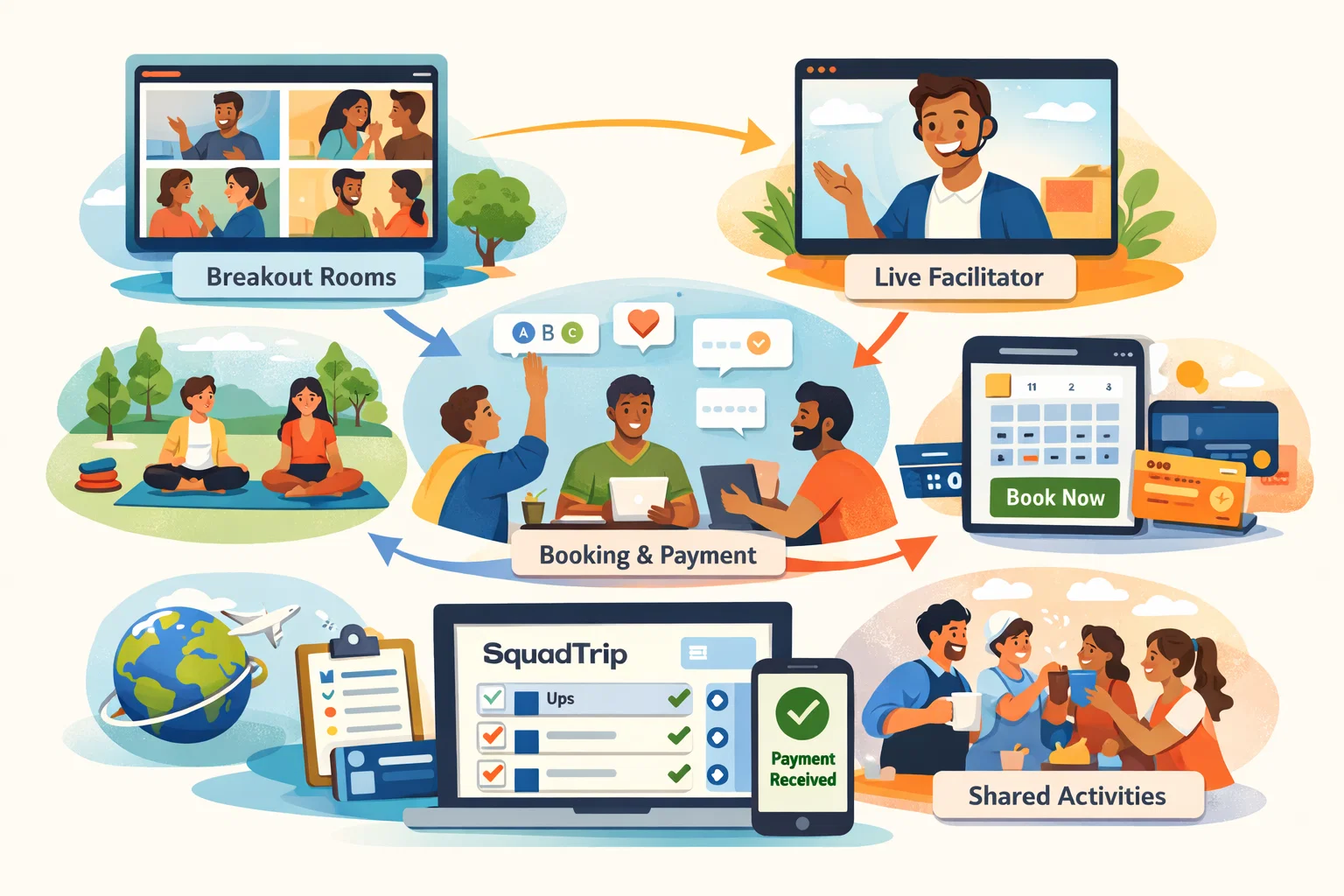
With SquadTrip, hosts can organize the flow, manage details, and deliver a smooth retreat that teams actually enjoy and remember.
Introduction
Virtual retreats have become a core part of remote work culture. By 2026, distributed teams expect more than a standard Zoom hangout or a simple online workshop. They want real connection, moments of shared energy, and experiences that feel personal even when everyone is on different screens.
A well planned virtual retreat can reduce burnout, strengthen trust, and restore motivation across teams. But a poorly planned one can feel like another long meeting. The difference comes from structure, intention, activities, and delivery.
This guide walks you through everything you need to plan a virtual retreat that feels meaningful and brings people together in a genuine way.
Read More: How to Plan a Virtual Retreat That Feels Personal and Interactive
Why Virtual Retreats Matter in 2026
Remote and hybrid work are no longer temporary solutions. Teams spread across cities and time zones now need intentional experiences that break monotony and create shared memories.
A good virtual retreat helps you:
-
Strengthen relationships between people who rarely meet in person
-
Boost morale and give employees a break from routine
-
Improve communication and trust inside teams
-
Reinforce company values and mission
-
Encourage creativity in a calm, open environment
-
Reduce loneliness and burnout
-
Give teams a sense of belonging
Employees who feel connected tend to collaborate better, stay longer, and show higher motivation. Virtual retreats are now one of the easiest ways to create this connection at scale.
What Makes a Virtual Retreat Different from a Regular Zoom Event
A lot of companies mistake virtual retreats for training sessions, webinars, or fun Fridays. A retreat has a deeper purpose.
A meaningful virtual retreat should:
-
Feel like a break from daily work
-
Create space for meaningful conversations
-
Help people learn something about themselves or their team
-
Include guided experiences, not just casual activities
-
Give everyone a chance to participate
-
Offer moments of reflection
-
Leave people energized
A retreat is an experience, not a meeting. That mindset alone changes the entire planning process.
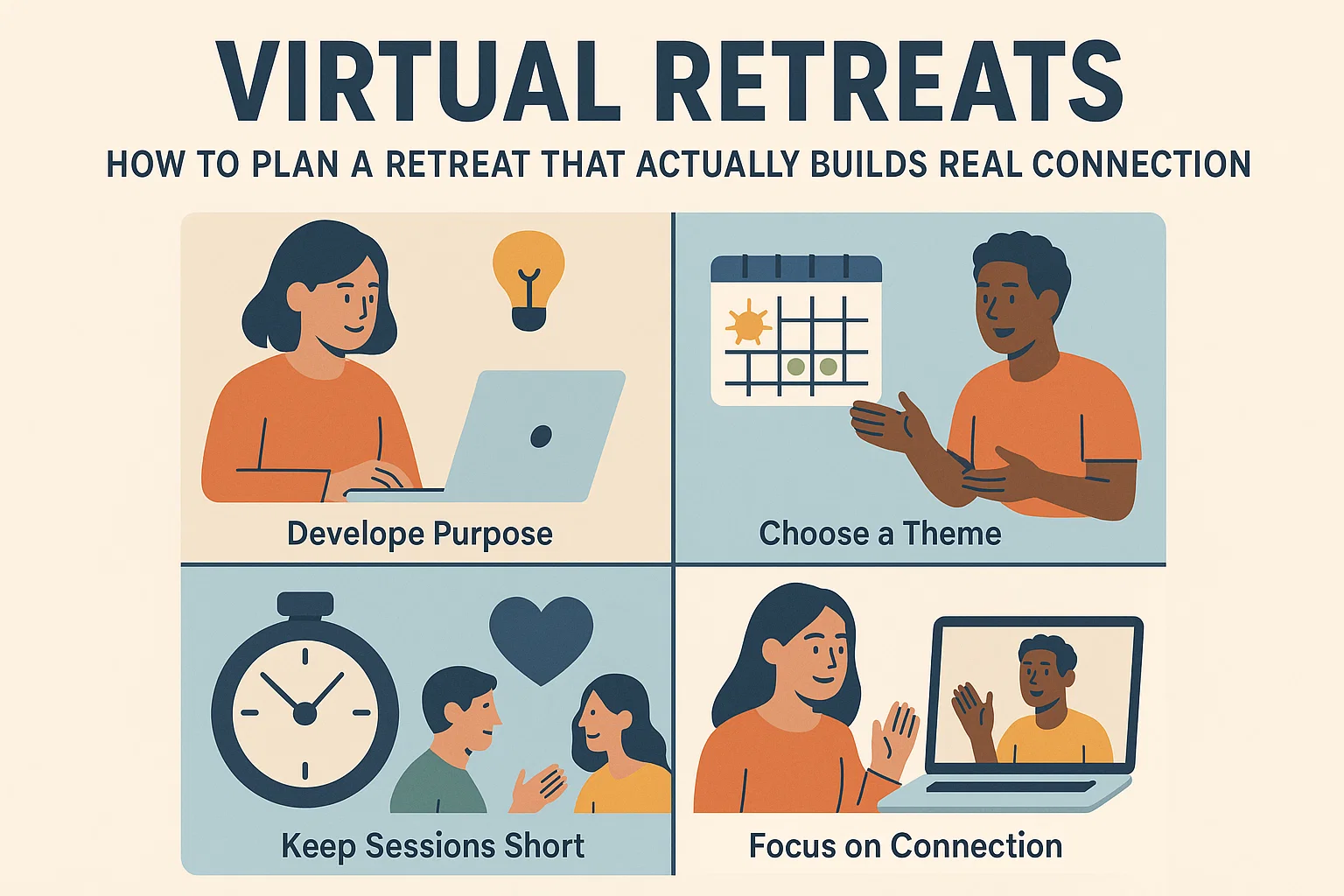
Virtual Retreats: How to Plan a Retreat That Actually Builds Real Connection
Planning virtual retreats requires thoughtful structure. Below is the complete step by step process for designing a retreat your team will enjoy and remember.
1. Start with the Purpose of the Retreat
Before choosing activities or picking a platform, define what you want the retreat to achieve.
Common goals include:
-
Team bonding
-
Reducing stress
-
Boosting collaboration
-
Creative thinking
-
Vision planning
-
Improving communication
-
Strengthening trust
-
Celebrating wins
Your purpose will shape the theme, activities, tools, and schedule. A retreat designed for creativity should look different from one focused on bonding or emotional wellness.
2. Choose a Clear Theme for the Experience
A theme helps your retreat feel cohesive instead of random.
Here are ideas you can use:
-
Innovation and bold thinking
-
Future visioning
-
Creativity unlock
-
Team celebration
-
Problem solving day
-
Culture building
-
Gratitude and appreciation
A theme gives participants context and sets the emotional tone of the event.
3. Set the Right Length for the Retreat
A virtual retreat should be long enough to feel meaningful but short enough to avoid fatigue.
Ideal durations:
-
Half day retreat: 2.5 to 4 hours
-
Full day retreat: 5 to 6 hours with breaks
-
Multi day retreat: 2 to 4 sessions across days
Break time is essential. Add at least:
-
One break every 60 to 90 minutes
-
One long break of 20 to 30 minutes
Shorter sessions encourage engagement and prevent screen fatigue.
4. Plan a Clear and Balanced Agenda
A good virtual retreat agenda includes a mix of:
-
Relaxed conversations
-
Interactive sessions
-
Group activities
-
Breakout rooms
-
Light learning or reflection
-
Fun or playful elements
-
Breaks at the right intervals
A solid agenda structure might look like this:
-
Welcome and retreat intention
-
Icebreaker that feels warm and not forced
-
Guided session or workshop
-
Breakout groups
-
Wellness activity or creative activity
-
Break
-
Team challenge or game
-
Sharing circle or reflection
-
Wrap up and appreciation
Avoid packing too much. Give people time to breathe.
5. Use Tools That Make the Experience Smooth and Interactive
You do not need complicated tools. You only need ones that support connection.
Common platforms:
-
Zoom
-
Google Meet
-
Gather
-
Miro
-
Butter
-
Slack or Teams for pre retreat communication
For engagement:
-
Polls
-
Whiteboards
-
Breakout rooms
-
Chat prompts
-
Virtual note taking tools
-
Interactive games
Choose tools your team is already comfortable with to reduce friction.
6. Start with Warm, Simple Icebreakers
Icebreakers are important but they should not feel awkward.
Use activities that are personal but safe:
-
One photo that describes your week
-
Two simple questions: What gave you energy this month
-
If your mood today was a weather, what would it be
-
Show and tell with a personal object
-
A 30 second story about a recent moment that made you smile
Avoid heavy or overly personal questions. Keep it light and human.
7. Add a Signature Experience to the Retreat
A signature experience is the highlight of the retreat. It should feel special and memorable.
Ideas include:
-
A mindfulness workshop
-
A creativity class
-
A virtual cooking class
-
A guided journaling experience
-
A mini innovation lab session
-
A virtual escape room
-
A storytelling workshop
-
A wellness break like stretching or breathwork
-
A gratitude circle
This becomes the moment everyone talks about after the retreat.
8. Include Breakout Rooms for Real Conversations
Large group calls rarely create deep connection. Breakout rooms help people open up in smaller groups.
You can use breakout rooms for:
-
Problem solving
-
Sharing experiences
-
Guided prompts
-
Creative activities
-
Group challenges
-
Team building games
Give each room clear instructions so no one feels lost.
9. Host One Activity That Builds Real Connection
Not all activities are equal. Some are fun but forgettable. Others create genuine connection.
Try activities like:
Personal stories sessionAsk each person to share one small story from their work or life.
Team gratitude wallEach person writes one appreciation for someone else.
Strengths exchangeParticipants share one strength they bring to the team.
Vision sharingPeople share one thing they want to learn or achieve this year.
These small moments bring a team closer.
10. Add Fun Elements to Keep Energy High
A retreat should not feel like a workshop the entire time.
Fun ideas include:
-
Trivia
-
Virtual Pictionary
-
Rapid fire questions
-
Virtual scavenger hunt
-
Music guessing games
-
Meme creation challenge
-
Personality quiz
Short fun activities help people relax and enjoy the experience.
11. Prioritize Wellbeing During the Retreat
Since virtual retreats involve long screen time, wellbeing should be part of the schedule.
Keep these elements in mind:
-
Stretch breaks
-
Hydration reminders
-
Guided breathing
-
Short offline breaks
-
Gentle movement
-
A calm closing session
This keeps people energized instead of drained.
12. Send a Retreat Kit or Digital Kit Before the Event
A small retreat kit enhances engagement.
Options:
Physical kit:
-
Snacks
-
Tea or coffee
-
A small notebook
-
Stickers
-
A theme based item like a candle or stress ball
Digital kit:
-
Wallpapers
-
Templates
-
Journaling sheets
-
Activity guides
-
A playlist for breaks
Kits make the retreat feel thoughtful and personal.
13. Facilitate the Retreat with Clear Guidance
The facilitator sets the tone. Whether internal or external, they should:
-
Keep the flow smooth
-
Make everyone feel included
-
Manage time well
-
Explain activities clearly
-
Encourage participation
-
Handle tech issues calmly
-
Keep energy balanced
A guided experience always feels more organized and warm.
14. Close the Retreat with a Meaningful Reflection
Endings shape the memory of the experience.
Good closing ideas:
-
One takeaway each person learned
-
One thing they appreciate about the team
-
One intention for the next month
-
A moment of gratitude
-
A group photo
-
A short reflection prompt
A mindful ending leaves the team feeling connected.
15. Follow Up After the Retreat
Most companies forget this step.
After your retreat, share:
-
A thank you message
-
Summary of key moments
-
The retreat playlist
-
Worksheets or notes
-
Photos or screenshots
-
A quick feedback form
-
Next steps
This keeps the emotional momentum alive.
Final Thoughts
Virtual retreats have moved far beyond simple online meetups. They now play an important role in shaping team culture, improving communication, and helping people feel connected even when they work from different cities and time zones. When you choose the right theme, plan a balanced agenda, and include activities that feel personal, the experience leaves a lasting impact.
If you want your retreat to feel smooth from start to finish, consider using a platform that helps you organize schedules, handle registrations, and keep your team engaged. A tool like SquadTrip makes the planning easier so you can focus on creating an experience your team will remember.
Ready to create a virtual retreat your team will actually enjoy? Plan and manage it end to end with SquadTrip.
FAQ
1. How do I know if my team actually needs a virtual retreat this year?
Teams usually need one when communication feels flat, people seem disconnected, or everyone is stuck in routine. If your crew hasn’t had a shared experience in a while or morale feels low, a retreat can reset the energy.
2. What type of theme works best for virtual retreats in 2026?
Teams are responding well to themes like creativity, wellness reset, vision planning, and problem solving. A theme is helpful because it gives structure and keeps the retreat from feeling random.
3. How many activities should I include to keep everyone engaged without overwhelming them?
Most retreats work well with three main blocks: one guided session, one breakout or group activity, and one fun or creative element. Anything beyond that can feel rushed.
4.Should I send a retreat kit before the event? Does it really help engagement?
Yes, even small kits make the experience feel more personal. This can be a physical kit with snacks or a digital kit with worksheets, playlists, and templates. It increases excitement and participation.
5.What should I send after the retreat to keep the momentum going?
A short thank you note, key highlights, a playlist, worksheets, screenshots, and a feedback form. This extends the experience and helps you plan better for next time.