TL;DR :
- Strong events scale on systems, not spreadsheets. Event planning software brings registrations, payments, schedules, and communication into one clear flow, reducing manual work and missed details.
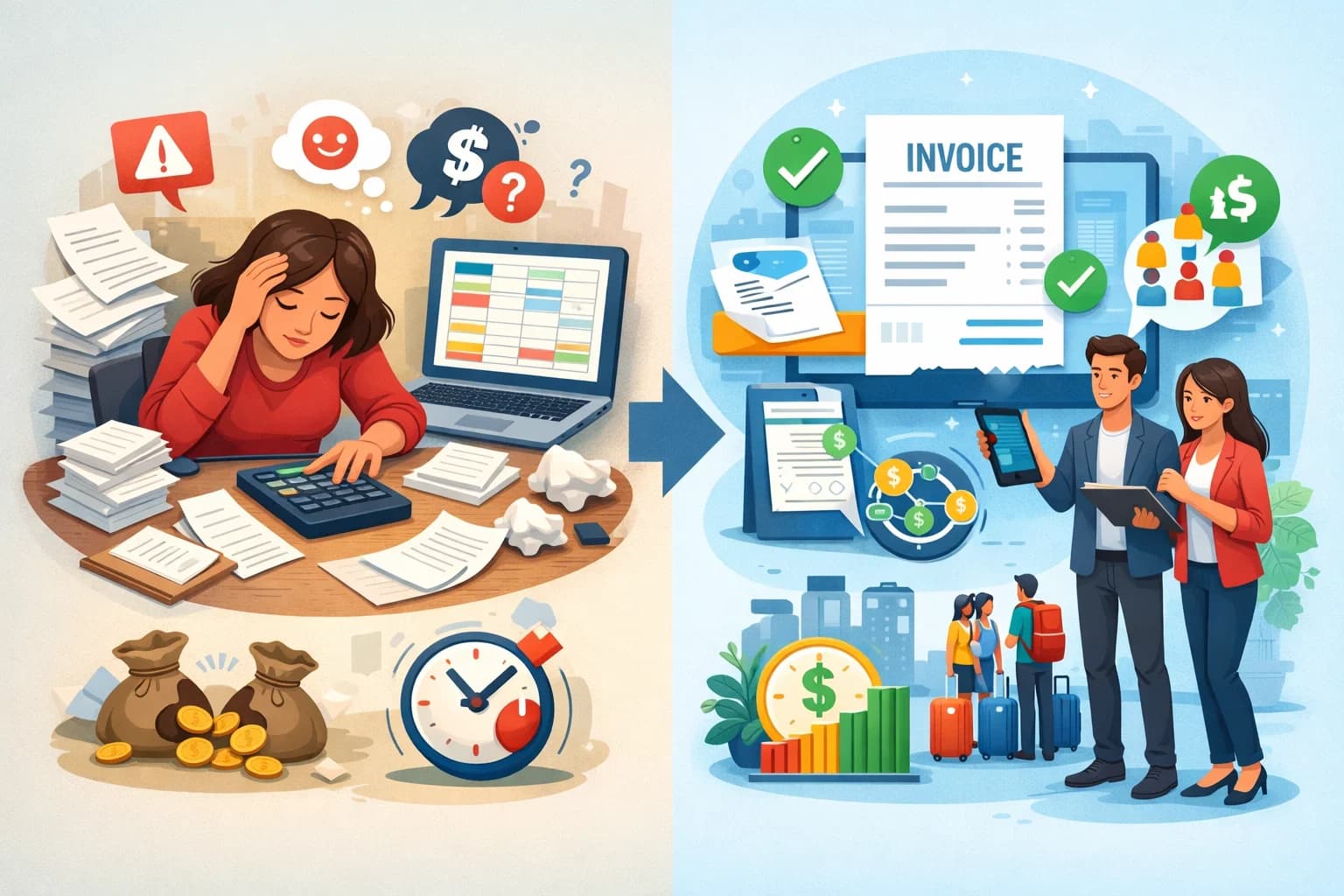
- As events grow or repeat, a single source of truth helps avoid lost registrations, payment confusion, and last-minute chaos for both hosts and attendees.
- Choosing the right tool depends on your event type, scale, and operational needs, not on flashy features you will never use.
- With SquadTrip, hosts can manage group payments, itineraries, and participant coordination in one place, making multi-day events and retreats easier to run and simpler to scale.
Introduction
Planning events today is very different from how it worked even five years ago. Guest expectations are higher. Timelines are tighter. Teams are more distributed. Budgets are under more pressure. This is exactly where Event Planning Software becomes essential, not as a nice add-on, but as the backbone of how modern events are run.
Whether you are organizing conferences, corporate offsites, workshops, retreats, festivals, or recurring community events, the right software can help you manage registrations, payments, schedules, communication, and team coordination without relying on spreadsheets and endless follow-ups.
This guide goes deep into how event planning software actually works in real-world scenarios, what features matter most, how to choose the right tool for your needs, and how teams use it to run smoother events at scale.
What Is Event Planning Software?
Event planning software is a digital platform designed to help event organizers manage every stage of an event lifecycle from planning and promotion to execution and post-event follow-up.
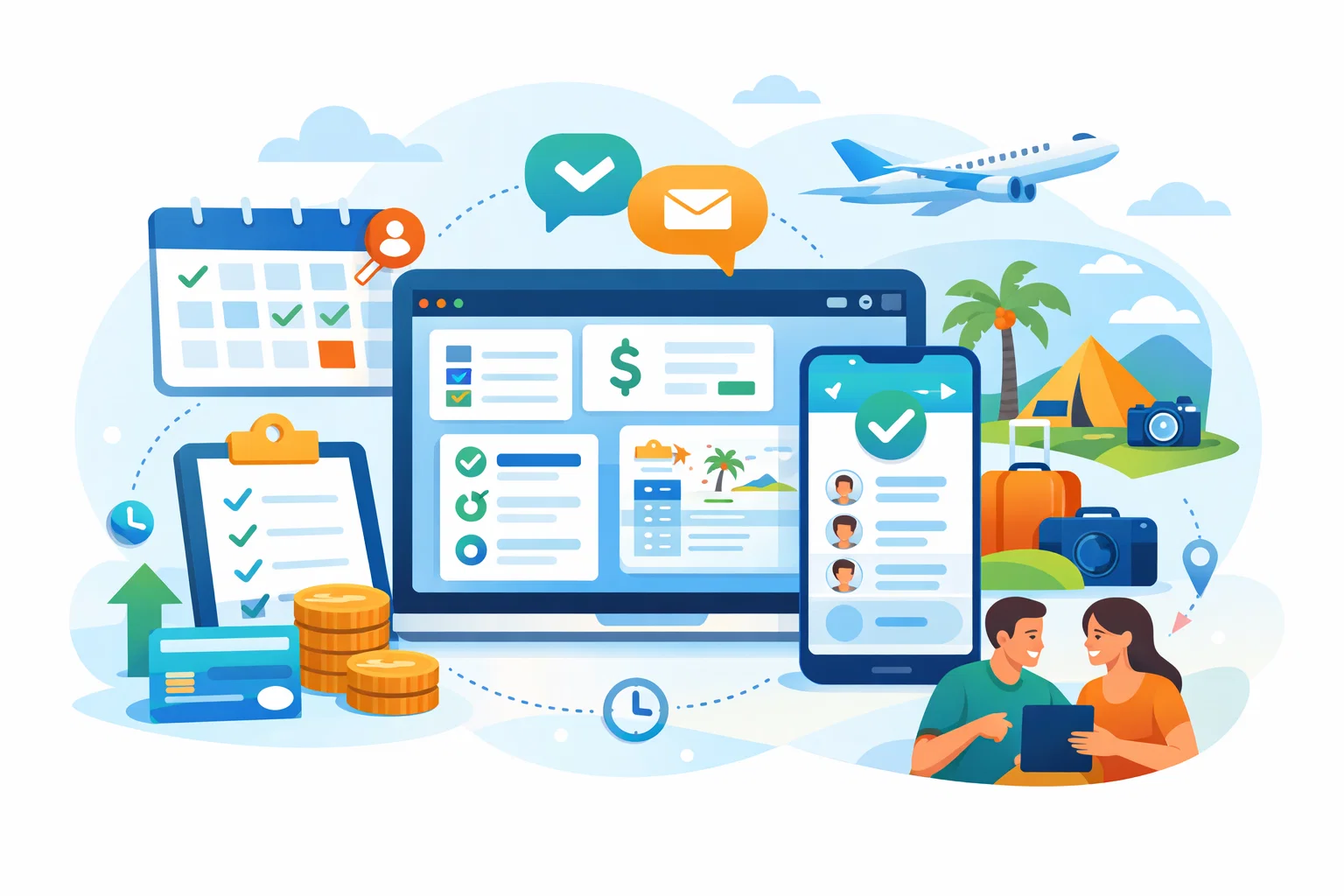
At its core, this type of software replaces manual workflows such as spreadsheets, email chains, shared documents, and scattered tools. Instead, it brings everything into one system where organizers can manage logistics, attendees, payments, schedules, and communication in a structured way.
Most modern event management platforms support a mix of the following use cases :
- Event creation and setup
- Online registrations and ticketing
- Payment collection and invoicing
- Guest communication and updates
- Agenda and itinerary management
- Team collaboration and task tracking
- Attendee data and reporting
The best tools do not just store information. They actively reduce friction for both organizers and attendees.
Why Event Planning Software Matters More Than Ever
Running events without software usually works only at a very small scale. As soon as attendance grows or events become recurring, cracks start to show.
Here are the most common problems teams face without a proper event management system :
- Registration links getting lost in email threads
- Payments tracked manually across different tools
- Last-minute schedule changes not reaching all attendees
- Team members working with outdated information
- No clear view of who has paid, confirmed, or dropped out
Event planning software solves these issues by creating a single source of truth. Everyone involved sees the same data, the same updates, and the same timelines.
Create Your Trip in Minutes with SquadTrip
For recurring events or growing event businesses, this consistency is what allows you to scale without burning out.
Core Features to Look for in Event Planning Software
Not all tools are built the same. Some focus heavily on ticketing. Others lean toward conferences or virtual events. Before choosing a platform, it is important to understand the core features that actually move the needle.
1. Event Creation and Setup
A good platform should make it easy to create events without technical skills. This includes setting dates, locations, event descriptions, ticket types, pricing, and capacity limits.
Look for tools that allow you to duplicate events or reuse templates. This is especially useful if you host similar events multiple times a year.
2. Registration and Ticketing
Online registration is one of the most critical parts of event planning.
Your software should support :
- Custom registration forms
- Multiple ticket types or passes
- Capacity limits
- Automatic confirmation emails
The smoother the registration flow, the higher your conversion rate. Friction at this stage leads to drop-offs.
3. Payment Collection and Billing
Event planning software often doubles as a payment management tool. Strong platforms allow you to collect payments directly through the registration process.
Key capabilities to look for include :
- Multiple payment methods
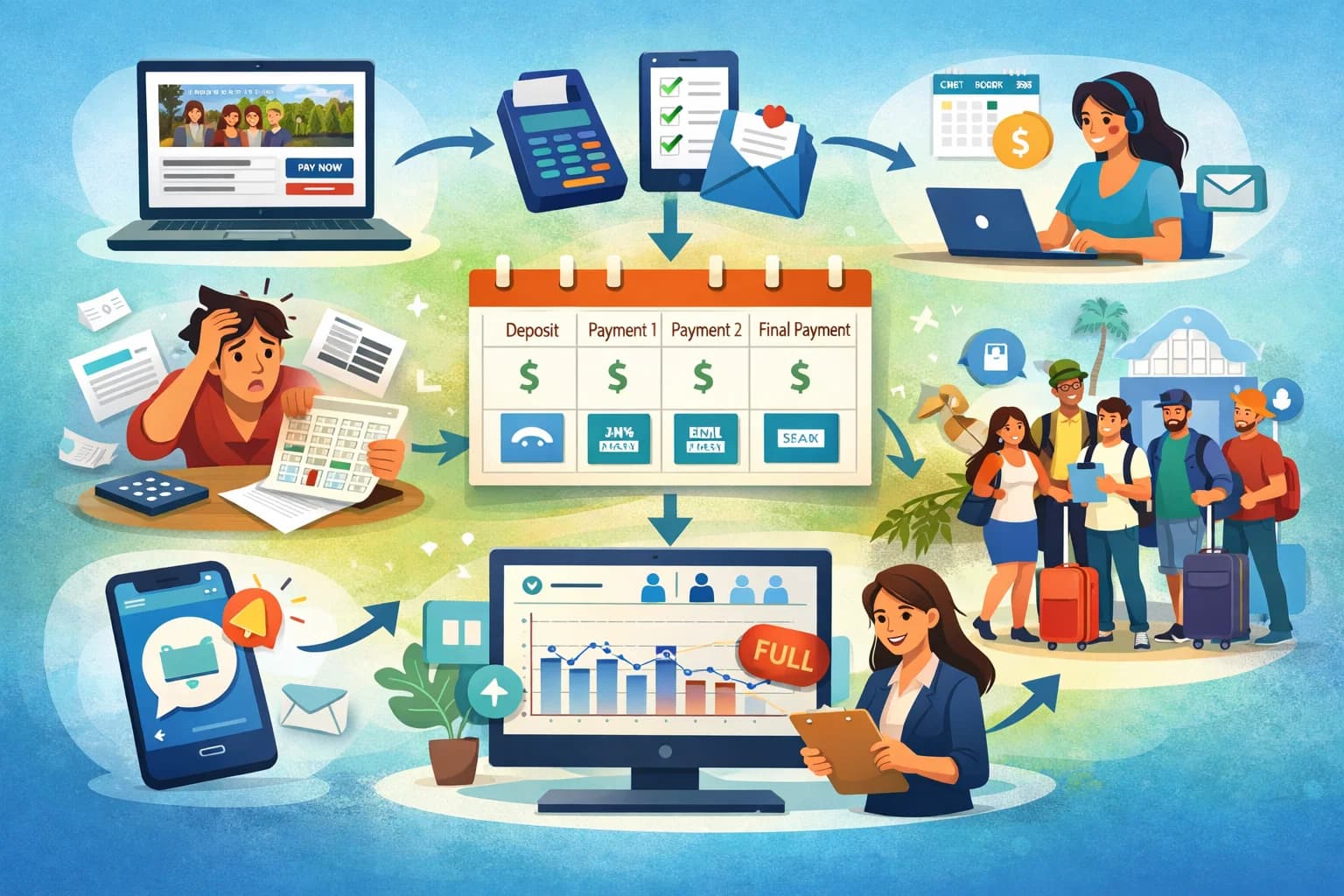
- Deposits and installment plans
- Automatic invoices or receipts
- Refund and cancellation handling
Clear payment tracking reduces disputes and saves hours of admin work.
4. Schedule and Agenda Management
Managing event schedules manually often leads to confusion. A good event platform allows you to build and update agendas in real time.
When changes happen, attendees should receive updates automatically. This avoids last-minute chaos and repeated questions.
5. Communication and Updates
One of the biggest advantages of using event planning software is centralized communication. Instead of sending multiple emails from different tools, everything goes through one system.
This includes :
- Registration confirmations
- Reminder emails
- Schedule updates
- Important announcements
Consistent communication builds trust and improves attendance rates.
6. Team Collaboration and Roles
Events are rarely run by one person. Look for tools that support team access, role-based permissions, and task tracking.
This ensures everyone knows what they are responsible for without stepping on each other’s work.
7. Reporting and Analytics
After the event, data matters. Event planning software should help you understand :
- Registration trends
- Payment status
- Attendance rates
- Drop-offs and no-shows
These insights help improve future events and justify budgets.
Types of Event Planning Software by Use Case
Different events require different workflows. Here is how event planning tools typically break down by use case.
1. Corporate and Business Events
Corporate events often focus on conferences, internal offsites, training sessions, and product launches. These events require structured agendas, team coordination, and professional branding.
Tools commonly used in this space include Cvent and Bizzabo, which offer advanced reporting and enterprise features.
2. Ticketed Public Events
For concerts, workshops, and public events, ticketing and payments are the primary focus. Platforms like Eventbrite and Ticketmaster dominate this category.
These tools prioritize discoverability, ticket sales, and payment processing.
3. Retreats, Group Trips, and Multi-Day Events
Multi-day experiences bring additional complexity. Organizers need to manage itineraries, deposits, installment payments, and group communication.
Platforms like SquadTrip focus on this niche by combining payments, schedules, and participant coordination into one system.
4. Virtual and Hybrid Events
Virtual events require integrations with video platforms, live chat, and session tracking. Many modern tools support hybrid formats where in-person and online attendees are managed together.
How Event Planning Software Improves Attendee Experience
The success of an event is not just measured by how smoothly it runs behind the scenes. Attendee experience matters just as much.
Here is how the right software directly impacts guests.
1. Clear and Simple Registration
Attendees want clarity. When registration pages are confusing or require multiple steps, people abandon the process.
Event planning software simplifies this by guiding users through a single, clear flow from signup to confirmation.
2. Transparent Pricing and Policies
Clear pricing, refund rules, and schedules reduce uncertainty. When attendees know exactly what to expect, trust increases.
3. Real-Time Updates
Changes happen. When schedules shift or locations change, attendees appreciate immediate updates. Software ensures everyone gets the same message at the same time.
4. Centralized Event Information
Instead of digging through emails, attendees can access schedules, locations, and updates in one place.
This reduces support requests and improves satisfaction.
Choosing the Right Event Planning Software
With so many options available, choosing the right platform can feel overwhelming. The key is to match the software to your specific needs, not the other way around.
Step 1 : Define Your Event Type
Start by listing the types of events you run :
- One-time or recurring
- Free or paid
- Single-day or multi-day
- In-person, virtual, or hybrid
This immediately narrows down your options.
Step 2 : Identify Must-Have Features
Not every feature matters equally. Prioritize what will save you the most time or reduce the most risk.
For example :
- If payments are complex, focus on billing features
- If teams are large, focus on collaboration tools
- If events repeat often, look for templates
Step 3 : Consider Your Scale
Some tools are great for small teams but struggle at scale. Others are overkill for simple events.
Think about where you want to be in one or two years, not just today.
Step 4 : Test the Workflow
Most platforms offer demos or free trials. Use them. Set up a real event and walk through the entire flow from registration to follow-up.
This reveals friction points that feature lists do not show.
Common Mistakes to Avoid When Using Event Planning Software
Even the best tool can fail if used incorrectly. Here are common mistakes to watch out for.
1. Overcomplicating the Setup
More fields and options do not always mean better. Keep registration forms simple and only collect information you truly need.
2. Ignoring Automation Features
Manual reminders and updates defeat the purpose of using software. Set up automated emails and notifications wherever possible.
3. Not Training the Team
If only one person understands the platform, mistakes happen. Make sure your team knows how to use the system properly.
4. Treating Software as a One-Time Setup
Event planning software works best when reviewed and improved after each event. Use reporting data to refine your process.
Event Planning Software and SEO for Event Businesses
- If you run events as a business, software can also support your marketing and growth.
- Many platforms allow you to create SEO-friendly event pages with structured data, clean URLs, and indexable content.
- This helps your events appear in search results, especially for recurring formats or niche topics.
- Integrated analytics also help track where registrations are coming from so you can double down on what works.
How Teams Scale Events Using Event Planning Software
Scaling events is not about doing more work. It is about doing the same work more efficiently.
Teams that scale successfully usually follow these patterns :
- Reusable event templates
- Standardized payment and refund policies
- Centralized communication channels
- Clear roles and permissions
Event planning software makes these patterns repeatable.
Instead of reinventing the process for every event, teams focus on improving the experience.
The Future of Event Planning Software
Event technology continues to evolve. Some trends shaping the future include :
- Deeper integrations with CRM and marketing tools
- More flexible payment options
- Better mobile experiences for attendees
- Increased focus on data privacy and compliance
As expectations rise, software will continue to play a bigger role in how events are designed and delivered.
Final Thoughts
Event planning software is no longer optional for teams that want to run professional, scalable events. It reduces manual work, improves communication, and creates better experiences for both organizers and attendees.
The right platform depends on your event type, scale, and goals. When chosen thoughtfully and used consistently, event planning software becomes the foundation that allows events to grow without chaos.
If you want, I can also help you compare specific tools, create a buyer’s checklist, or map features to your exact event model.
Start Your Free Organizer Profile on SquadTrip
Frequently Asked Questions
1. What problems does event planning software actually solve that spreadsheets can’t?
Spreadsheets break down once you have real registrations, payments, and last-minute changes. Event planning software keeps registrations, payments, schedules, and updates in one system so nothing slips through the cracks as events grow.
2. Is event planning software worth it for small or first-time events?
Yes, especially if you plan to repeat the event. Starting with the right system early helps you avoid rebuilding your process every time and makes it easier to scale without adding more admin work.
3. How do payments usually work inside event planning software?
Most platforms let you collect payments during registration, track who has paid, and handle refunds or cancellations. Some tools also support deposits and installment plans, which is helpful for higher-priced or multi-day events.
4. What should I prioritize when choosing event planning software for retreats or group trips?
Focus on tools that handle group coordination, flexible payments, and itineraries. Retreats and multi-day events need more than ticket sales. You want clear schedules, participant communication, and payment tracking in one place.
5. Can event planning software reduce last-minute event chaos?
It helps a lot. When schedules or details change, updates can be sent automatically to everyone. This prevents confusion, repeated questions, and missed information close to the event date.
6. How does event planning software help with repeat or recurring events?
Many platforms let you reuse templates, pricing setups, and workflows. This saves time and keeps your events consistent instead of starting from scratch every time.
7. Is event planning software useful for both in-person and hybrid events?
Yes. Most modern platforms support in-person, virtual, and hybrid formats, allowing you to manage attendees, schedules, and updates from one dashboard regardless of how people attend.