TL;DR
-
Group travel billing is messy without the right tools; manual methods risk mistakes and missed revenue.
-
Best group trip invoice software streamlines cost splitting, auto-generation of professional invoices, and payment tracking.
-
SquadTrip stands out with automated invoicing features tailored for travel businesses.
-
Key features to look for include cost allocation, mobile invoicing, customizable templates, recurring billing, taxes & compliance support.
-
Choosing the right software boosts cash flow, improves client experience, and minimizes administrative work.
-
SquadTrip helps travel businesses invoice faster, manage group payments, and maintain financial clarity.
Introduction
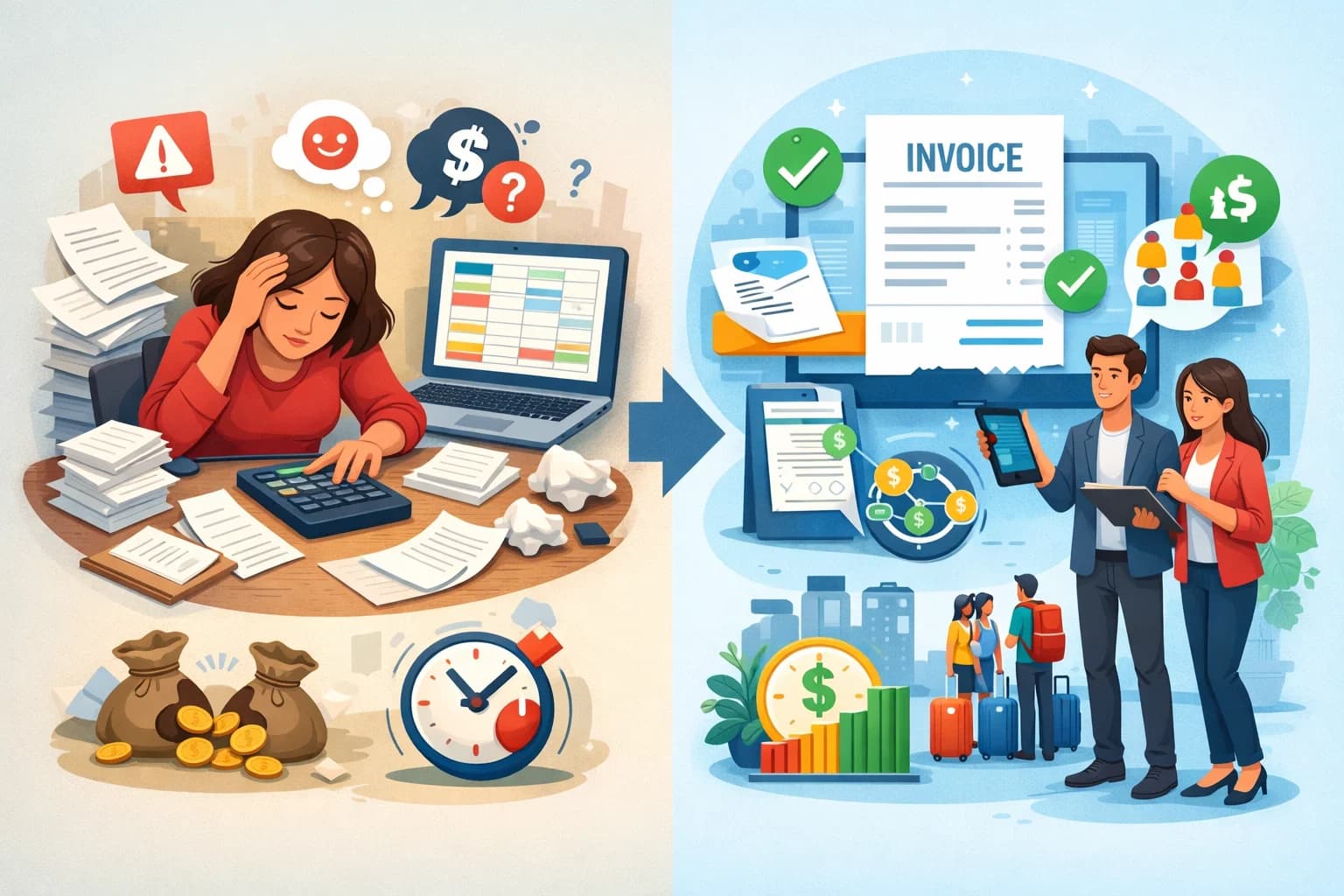
Managing billing for group travel can be complex. Travel businesses, tour operators, and group coordinators struggle with tracking payments, splitting costs, and producing professional invoices fast. That’s where reliable group trip invoice software transforms how you bill, collect, and reconcile payments, saving time and reducing errors.
Try SquadTrip today and see how easy group trip billing can be.
What Is Group Trip Invoice Software?
Group trip invoice software is a specialized billing tool built for travel businesses handling group bookings, multi-participant charges, and shared expenses.
Traditional invoice tools focus on one-to-one billing. Group trips require:
-
Splitting costs among participants
-
Tracking deposits and balances per traveler
-
Consolidated and individual invoices
-
Variable pricing (per person, room, activity)
-
Integration with reservations and itineraries
The right software automates these tasks, turning hours of manual spreadsheet work into minutes.
Read More: How to Plan a Retreat: A Comprehensive Guide to Creating the Perfect Retreat Experience
Why Standard Invoicing Tools Fall Short
Many travel businesses start with spreadsheets, generic accounting apps, or basic invoice generators.
But these tools lack features essential for group travel:
No Cost Splitting Logic
When a tour has multiple participants, costs must distribute fairly. Basic tools can’t handle this without manual formulas.
Limited Payment Tracking
Tracking who has paid, who owes a deposit, and who has a balance gets messy fast without built-in tracking.
Error-Prone Templates
Generic invoice templates aren’t designed for travel details like room occupancy, trip codes, or tax nuances.
Poor Integration With Booking Tools
For travel businesses that already use reservation or CRM systems, connecting data with billing often fails.
Key Benefits of Using Group Trip Invoice Software
Using purpose-built software for group travel billing delivers measurable benefits:
1. Faster Invoicing
Save hours on invoice creation with automated billing and reusable templates..
2. Accurate Cost Allocation
Automatically split group costs based on rules you define per person, per room, or per itinerary item.
3. Fewer Errors
Remove manual calculation mistakes with built-in logic and real-time validation.
4. Better Payment Tracking
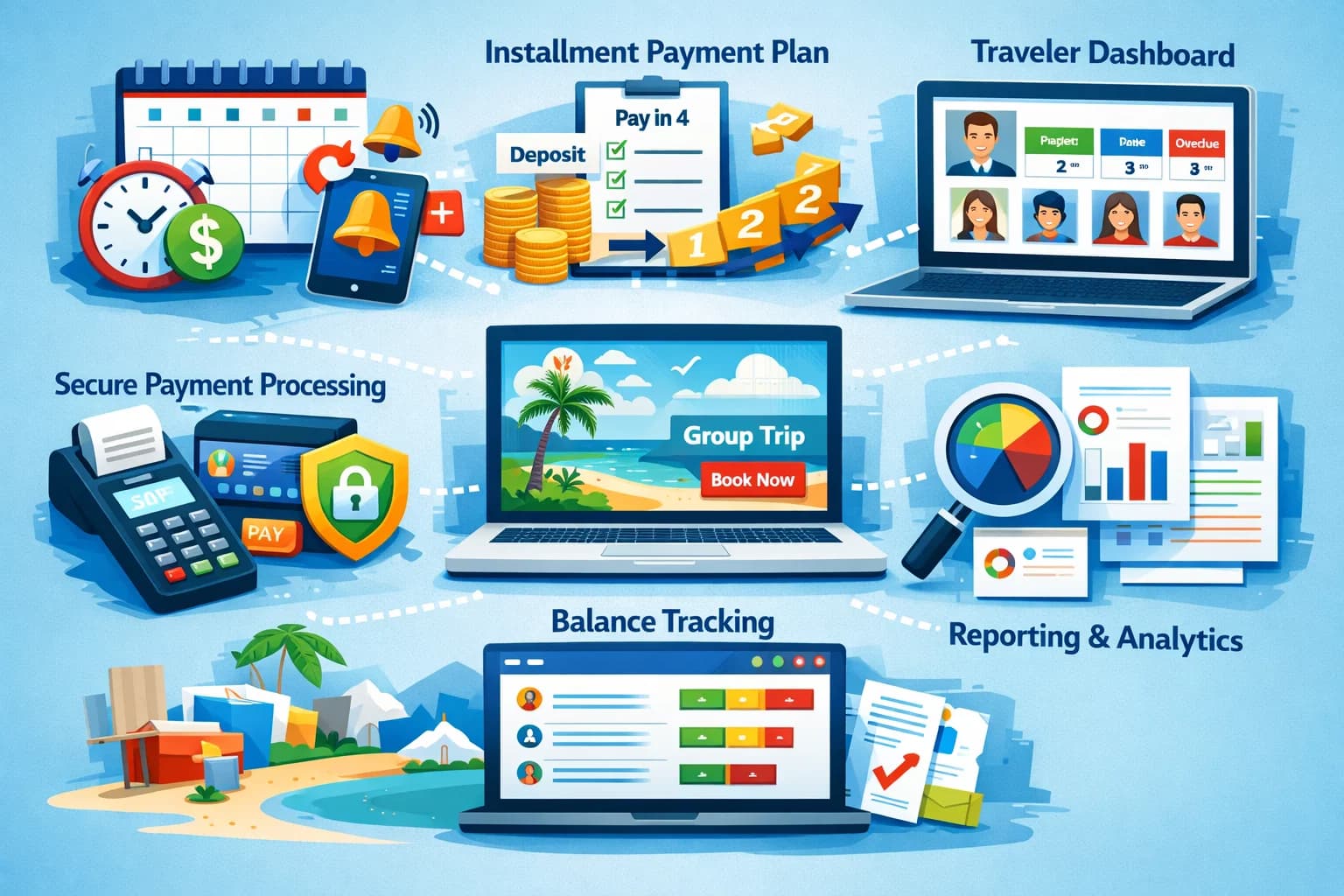
Track partial payments, deposits, and due dates in one dashboard.
5. Professional Look
Generate polished invoices that reflect your brand improving client trust and clarity.
6. Financial Insights
Gain reports on outstanding balances, payment history, and revenue projections.
Read More: Best Travel Agency Software for Group Trips in 2026
Must-Have Features in Group Trip Invoice Software
Not all tools are built the same. Look for these core features:
Cost Splitting and Allocation
Managing group payments starts with intelligent cost allocation.
A good tool should allow:
-
Even or custom splits
-
Variable charges per traveler
-
Add-ons and optional service billing
SquadTrip automates these splits so you don’t have to.
Custom Invoice Templates
Your invoice should reflect your travel brand and clarify charges.
Custom templates enable:
-
Your logo and brand colors
-
Itemized trip details
-
Tax and compliance fields
Clear invoices reduce disputes and speed up payments.
Payment Tracking and Reminders
Manual tracking is inefficient.
The software should:
-
Show paid vs unpaid status
-
Support partial payments
-
Send automated reminders
This drives better cash flow and reduces follow-ups.
Integration With Booking and CRM
Billing works best when it connects with your travel systems.
Useful integrations include:
-
Reservation systems
-
CRM for client details
-
Payment gateways
This avoids double entry and keeps financial data in sync.
Mobile Access
Travel businesses are on the move. Mobile invoicing ensures you can invoice anytime, anywhere.
5 Top Group Trip Invoice Software Options
Here’s a breakdown of the best solutions geared toward travel businesses.
1. SquadTrip
Best overall for travel businesses needing group trip billing built for tours, trips, and shared itineraries.
Core Strengths:
-
Robust cost splitting logic
-
Custom templates designed for travel
-
Integration with booking tools
-
Clear dashboard for outstanding balances
SquadTrip streamlines billing so your team can focus on travelers, not spreadsheets.
Why Travel Businesses Choose SquadTrip:
-
Designed with travel workflows in mind
-
Scales from small tour groups to large travel agencies
-
Easy to onboard team members
2. QuickBooks Online
A popular accounting option with invoicing capabilities.
Pros:
-
Established accounting platform
-
Works well for simple invoicing
Cons:
-
Not built specifically for group trip logic
-
May require manual setup for cost splitting
Best for businesses already using QuickBooks for accounting.
3. FreshBooks
Clean invoicing with time tracking.
Pros:
-
Easy to use interface
-
Good for small travel agents
Cons:
- Limited native group cost logic
- Not travel-specific
Works well when paired with add-ons or manual processes.
4. Xero
Comprehensive accounting platform with invoicing.
Pros:
-
Strong accounting backbone
-
Multi-currency support
Cons:
- Requires customization for group invoicing
Better suited for larger travel businesses with accounting teams.
5. Zoho Invoice
Affordable invoicing for small businesses.
Pros:
-
Cost effective
-
Basic automation
Cons:
- Group travel features are limited
Best choice for early-stage travel businesses testing invoicing workflows.
How to Choose the Right Software for Your Travel Business
Selecting the best tool depends on your needs and scale. Answer these questions:
What Volume of Group Trips Do You Handle?
If you run frequent group tours with many participants, automation becomes essential.
-
High volume → choose a travel-focused solution like SquadTrip
-
Lower volume → basic tools plus manual tweaks may work
Do You Need Integration With Your Booking System?
Keeping booking and billing connected avoids errors.
-
Must-have integration → value travel-centric software
-
Can work manually → accounting software with templates
What Level of Automation Do You Want?
When you automate:
-
Cost allocations happen instantly
-
Payment reminders are sent automatically
-
Reports are live
Manual workflows drag down efficiency.
Implementation Tips for Travel Businesses
Getting value from software means using it the right way.
Set Standard Billing Rules
Define how you split common costs (e.g., lodging, meals) up front.
Create Reusable Templates
Templates make invoices consistent and easy to generate.
Train Your Team
Make sure booking, sales, and billing teams know how to use the tool.
Leverage Reporting
Use dashboards to spot unpaid balances before clients ask.
Common Billing Challenges and How Software Fixes Them
Travel businesses face specific billing challenges:
Challenge: Deposits vs Balances
Clients pay deposits at booking, then pay remaining later.
Solution: Automated payment schedules and reminders.
Challenge: Changing Participant Counts
Tours change often. Adding or removing travelers affects totals.
Solution: Dynamic calculation logic updates all invoices instantly.
Challenge: Shared Costs With Uneven Splits
Not all travelers buy the same package or upgrades.
Solution: Custom rules let you adjust charges per person.
Group Trip Invoicing Best Practices
To make the most out of your software:
Use Descriptive Line Items
Detail what each charge covers lodging, transit, taxes, excursions.
Communicate Early
Send initial invoices soon after booking to avoid delays.
Schedule Reminders
Automate reminders for due dates rather than chasing manually.
Reconcile Payments Daily
Keep your accounts accurate as payments come in.
Why SquadTrip Stands Out
SquadTrip isn’t just another invoice app. It’s built with travel in mind.
Here’s what makes it a strong fit:
Tailored for Tour Operators
Templates and logic reflect real-world travel billing needs.
Automated Workflows
From invoice generation to reminders and reconciliation.
Clear Dashboard
One view shows who owes what, upcoming due dates, and balances.
Flexible Pricing Options
Supports deposits, partial payments, and balance billing.
Conclusion
Group travel billing shouldn’t be chaotic. Manual processes slow you down, introduce errors, and take time away from clients. The right group trip invoice software gives you the clarity and control you need to manage invoices, track payments, and maintain clean financial records.
For travel businesses looking to eliminate spreadsheet headaches and get predictable billing workflows, SquadTrip is a strong choice. It was built around travel needs, automates many billing steps, and supports flexible invoicing scenarios that traditional tools struggle with.
Ready to simplify your group travel billing? Create your first trip on SquadTrip and see how effortless invoicing can be.
Frequently Asked Questions About Group Trip Invoice Software
1. What is group trip invoice software and how is it different from regular invoicing tools?
Group trip invoice software is built specifically for travel businesses that manage multiple participants on a single booking. Unlike regular invoicing tools, it allows you to split costs per traveler, track deposits and balances individually, manage shared expenses, and adjust totals when group size changes.
2. Can I split one group trip invoice across multiple travelers?
Yes. The best group trip invoice software lets you automatically split costs evenly or customize charges per traveler. This is especially useful when some travelers add upgrades or optional activities while others do not.
3. How do I manage deposits and installment payments for group travel?
You need software that supports payment schedules. With the right platform, you can set deposit amounts, balance due dates, and automated reminders so travelers know exactly when payments are required.
4. What happens if someone cancels or joins the trip later?
Good group trip invoice software recalculates totals automatically. If a traveler cancels or a new person joins, the system adjusts cost allocation and updates invoices without requiring manual spreadsheet edits.
5. Is group trip invoice software suitable for retreat hosts and tour operators?
Yes. Retreat organizers, tour operators, travel agencies, and influencer trip hosts all benefit from automated invoicing, participant-level tracking, and centralized dashboards.