TL;DR :
• Retreats feel chaotic when bookings, payments, forms, and updates live in different places.
• Retreat management software keeps everything in one system so hosts stay organized.
• Automation handles reminders, payment tracking, and guest updates without manual work.
• Real time changes prevent confusion and help guests stay aligned with the schedule.
• Templates, workflows, and centralized communication save hours each week.
• Guests enjoy a smoother experience when information is clear and easy to access.
• The right tool makes it possible to run multiple retreats without losing control.
• Hosts should look for features like payment plans, itineraries, custom forms, messaging, and scalability.
• Planning becomes easier and more predictable when you use software built for retreats.
• For a simple, organized planning process, hosts can manage their next retreat on SquadTrip.
Introduction
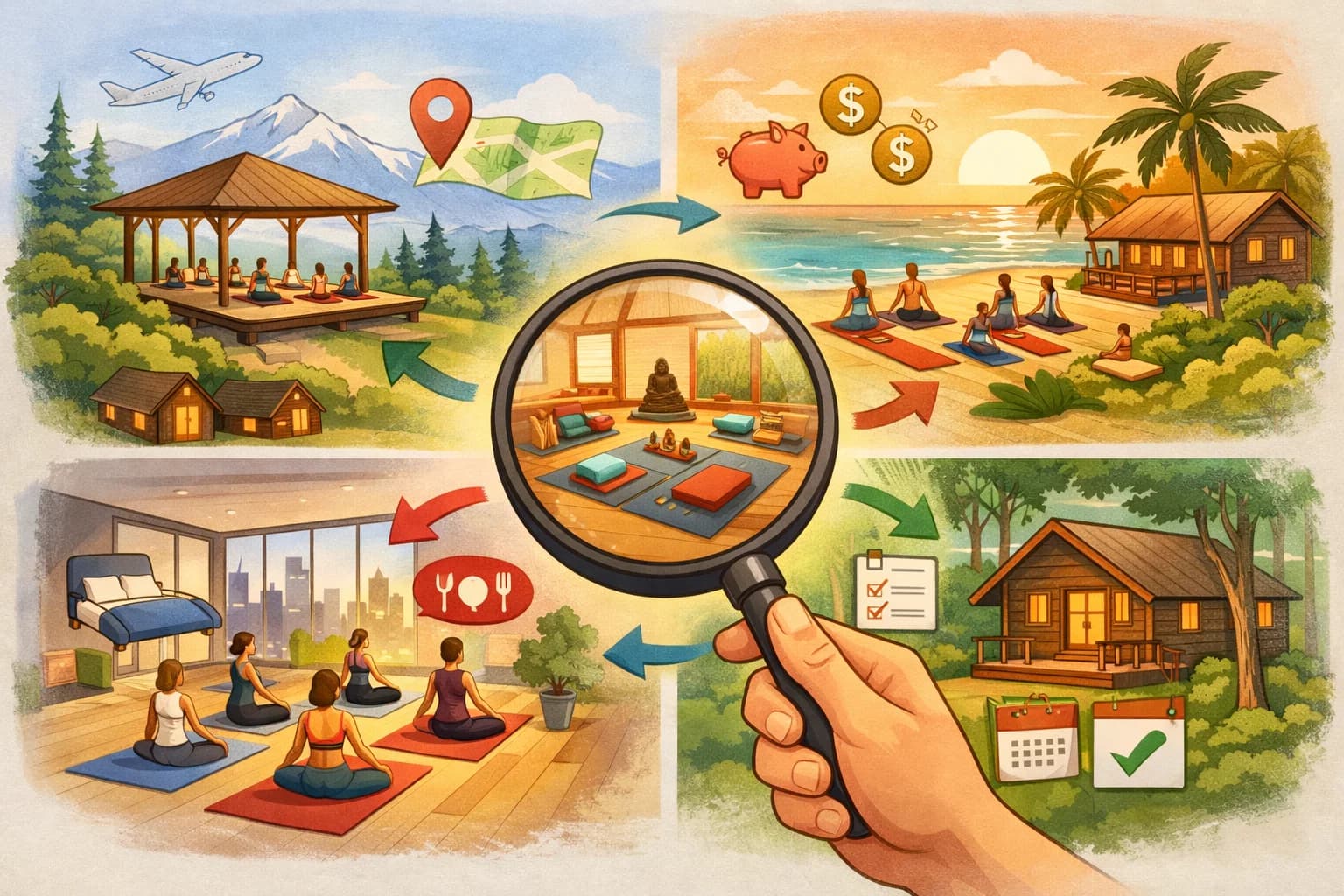
Planning a retreat looks simple from the outside. You pick a location, gather your group, set a schedule, and run the event. In reality, retreat planning involves bookings, payments, communication, last minute changes, rooming, forms, guest preferences, and dozens of moving parts that all need to stay aligned.
How to Optimize Your Operations with Retreat Management Software is a question more hosts are asking today. As retreats grow more structured and guests expect a polished experience, relying on spreadsheets and scattered tools causes stress, mistakes, and a lot of extra work. A dedicated system helps you run retreats smoothly from start to finish so you stay organized and your guests feel taken care of.
This guide walks you through why retreats often feel chaotic, how software helps, which features matter, and how the right tool makes your operations easier, faster, and more reliable.
Why Retreats Feel Chaotic Without the Right Systems
Most retreats start with good intentions. You have your dates set. You have a plan. You start promoting the experience. Then the details begin to pile up.
Guests ask questions at different times. Payments trickle in. Some guests need reminders. Some want custom plans. Your schedule keeps evolving. Vendors change availability. Forms get lost in email threads.
Here are the biggest reasons retreats become stressful behind the scenes :
• Information sits in different places.
• Updates are hard to track.
• Guests ask the same questions repeatedly.
• Payment collection takes too much time.
• Schedules are not updated in one central space.
• You rely on manual reminders.
• One mistake can affect the entire group.
Without one organized system, the retreat feels like a puzzle with pieces scattered across tools you use daily. A simple change in one place can break your workflow in another.
What Retreat Management Software Actually Solves
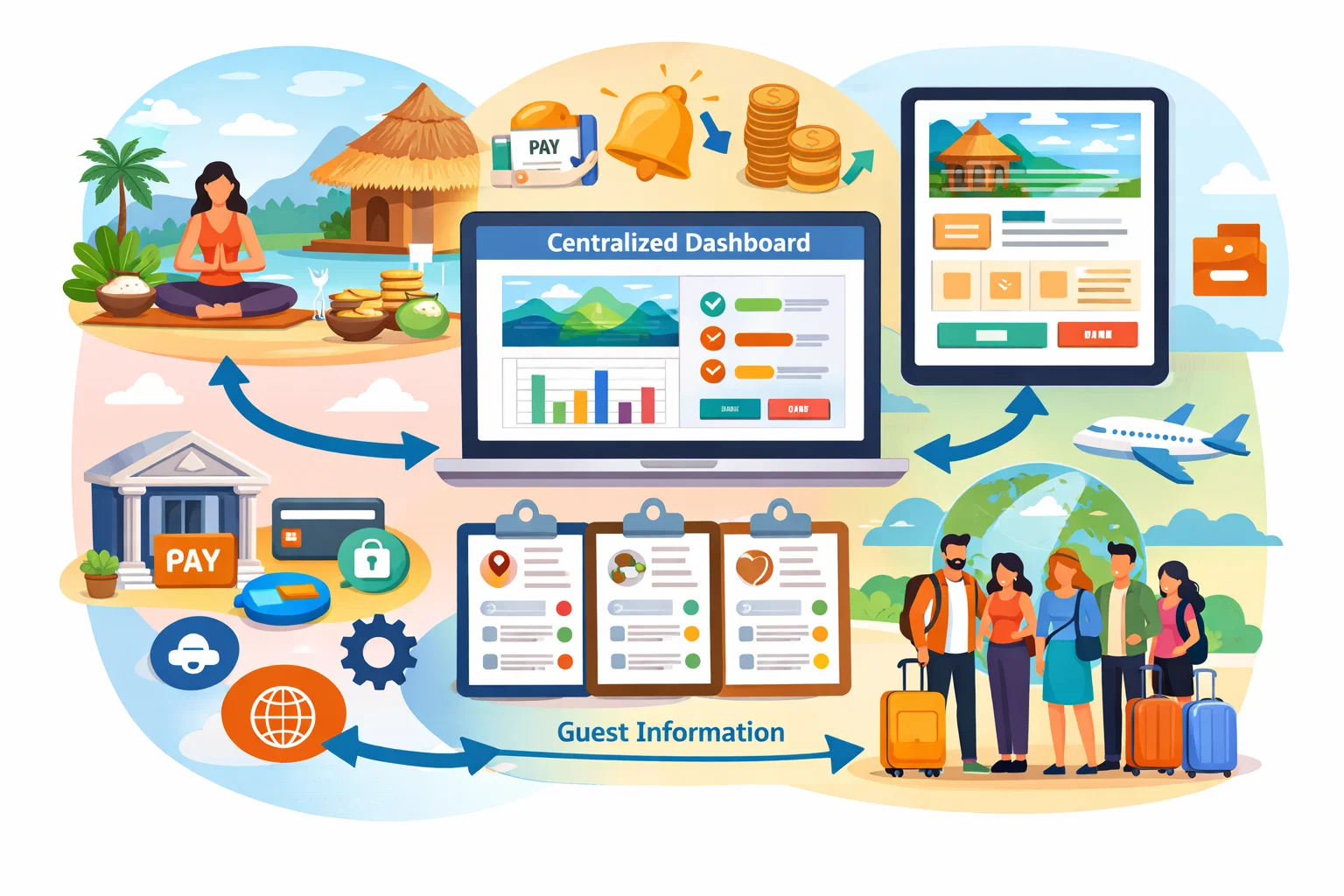
Retreat management software brings everything together in one place. Instead of juggling spreadsheets, payment pages, email threads, and messaging apps, you manage the full retreat from a single dashboard.
It helps you solve problems like :
• Lost guest details.
• Missed payments or overdue balances.
• Late communication.
• Confusion about room assignments.
• Unclear itineraries.
• Manual work that steals hours from your week.
The goal of the software is simple. Make retreat planning easier and more predictable. Give you a clear overview of what is happening. And make sure guests know exactly what to expect at every step.
When all details live in one system, you reduce stress for yourself and deliver a better experience for your group.
Centralizing Bookings, Payments, Forms, Itineraries, and Communication
The biggest advantage of using software is centralization. You do not have to switch between platforms to find what you need.
1. Bookings
Guests can sign up directly through your retreat page. You capture all details automatically and avoid missing information.
2. Payments
Hosts do not need to chase payments manually. A good system :
• Accepts deposits.
• Offers payment plans.
• Tracks balances.
• Sends automatic reminders.
• Shows who is paid and who is pending.
This makes financial management simple and accurate.
3. Forms
Instead of sending documents through email, you can collect everything in one place, such as :
• Health forms
• Travel details
• Waivers
• Preferences
• Emergency contacts
The software stores it neatly so you find what you need instantly.
4. Itineraries
A central itinerary keeps the whole group aligned. When you make updates, guests see them in real time. You avoid sending multiple versions.
5. Communication
When all guests are connected through one platform, messages reach everyone at the right time. No more group chats where people miss updates.
How Automation Removes Repetitive Tasks
Automation is one of the most powerful parts of retreat management software. Instead of doing repetitive work manually, you set it once and let the system run for you.
Some examples include :
• Automatic payment reminders.
• Scheduled messages.
• Notification when a guest completes a form.
• Instant updates when you change the schedule.
• Welcome emails sent after sign up.
• Rooming lists that update as guests book.
These tasks usually take hours if you handle them through email or spreadsheets. Automation gives you time back in your day so you can focus on planning a better experience.
How Real Time Updates Reduce Confusion
Retreats change. May be a class starts early. Maybe a vendor shifts timing. Maybe a guest wants to upgrade their room. If you rely on static documents, your group will get outdated information.
Real time updates fix this problem. When you change the schedule or add new details, guests see the update immediately. You do not need to resend documents or repeat the same message multiple times.
This keeps your group aligned and reduces stress for both hosts and guests.
Why Hosts Save Hours with Templates, Reminders, and Built In Workflows
Templates are one of the easiest ways to save time. Hosts often run similar retreats each year. Instead of rebuilding your planning materials from scratch, you can reuse templates for :
• Itineraries
• Forms
• Payment plans
• Packing lists
• Guest instructions
• Rooming layouts
Built in workflows help guide your planning. You follow a simple checklist and avoid missing steps. This leads to fewer mistakes and a smoother planning experience.
Scheduled reminders also help you stay on track. You set them once. The system takes care of the rest. It feels like having an assistant who never forgets a task.
How Retreat Management Software Improves Guest Experience
A well organized retreat is not only good for you. It creates a better experience for your guests.
Guests feel more confident when :
• They know their payment status.
• They receive updates on time.
• Their questions are answered in one place.
• They have a clear itinerary.
• They can access travel details easily.
• They feel guided and supported.
When guests feel informed and cared for, they enjoy the retreat more. They also trust you and are more likely to attend future events.
Clear communication builds confidence. Organized systems build trust. Together, they create a premium retreat experience.
How Software Helps You Scale or Run More Than One Retreat at a Time
Running one retreat is work. Running multiple retreats without software can feel impossible.
A central system allows you to :
• Duplicate retreat pages.
• Manage multiple itineraries.
• Track different payment plans.
• Separate guest lists for each retreat.
• View everything in one dashboard.
• Assign tasks to team members.
• Stay organized without mixing details.
This is especially helpful for coaches, wellness leaders, community hosts, and travel planners who run several group experiences each year.
With the right system, scaling becomes realistic. You spend less time fixing problems and more time planning creative and memorable retreats.
What to Look for in Retreat Management Software
Not all tools are built the same. Here are the must have features hosts should consider before choosing a platform:
1. Booking and Payment Features
Look for :
• Deposits
• Payment plans
• Automatic reminders
• Secure checkout
• Balance tracking
2. Guest Management Tools
Ideal features include :
• Centralized guest list
• Rooming assignments
• Document storage
• Custom forms
• Dietary or preference tracking
3. Communication Features
You need :
• Group messaging
• Scheduled announcements
• Real time updates
• Email notifications
4. Itinerary Builder
A clean, mobile friendly itinerary is essential for your group.
5. Automation
Automation reduces work and prevents mistakes.
6. Customization
Your retreat should look and feel aligned with your brand.
7. Scalability
Make sure the software can handle multiple retreats at once.
8. Ease of Use
You should be able to set up your retreat without learning a complex system.
A platform that includes these features will make your operations smooth, predictable, and simple to manage.
Retreat Management Software : Why It Is Now Essential
Retreat Management Software is no longer optional. It is becoming a standard tool for hosts who want to stay organized, reduce stress, and provide a high quality experience.
As retreats continue to grow in popularity, guests expect a professional process from the moment they discover your event to the moment they check out. The right software helps you deliver that experience while saving hours each week.
Final Thoughts
Planning a retreat does not need to feel overwhelming. Once you move away from scattered tools and bring everything into one organized system, your operations become clearer and your retreats become easier to manage. With the right software in place, you can focus on the experience you want to create rather than fighting through messy planning steps.
If you want to simplify your operations and build a retreat that stays organized from start to finish, plan your next experience on SquadTrip. It gives you bookings, payments, itineraries, forms, and communication in one place so your retreat feels smooth for you and your guests.
Plan, manage, and run your retreats in one place. Try SquadTrip to simplify bookings, payments, and guest coordination.
Frequently Asked Questions
1. What does retreat management software actually do?
It keeps all your retreat details in one place. You can handle bookings, payments, forms, communication, and itineraries without switching between different tools. It gives you a clear overview of everything happening before and during the retreat.
2. Do I really need software if my retreats are small?
Yes, even small retreats get messy when details sit in emails and spreadsheets. Software helps you avoid mistakes, saves time, and gives your guests a cleaner experience. Many hosts start with small groups but continue to use the software as they grow.
3. How does the software help with payments?
You can collect deposits, offer payment plans, track balances, and send automatic reminders. This removes the awkward back and forth of chasing payments and gives you accurate records at all times.
4. Will guests receive updates automatically?
Yes. When the host updates the itinerary or adds new information, guests see it in real time. This prevents confusion and eliminates the need to resend multiple versions of documents.
5. Can I run multiple retreats at once using the same tool?
A good platform allows you to duplicate setups, separate guest lists, and manage each retreat from a single dashboard. This is helpful for coaches, travel planners, and community leaders who run several retreats each year.