
TL;DR
-
Manual payment follow ups waste hours every week
-
Late payments create cash flow gaps and unnecessary stress
-
Automated reminders significantly reduce overdue balances
-
Installment plans improve payment consistency
-
Real-time dashboards show exactly who has paid and who hasn’t
-
Pre-scheduled follow ups remove awkward conversations
-
SquadTrip helps hosts automate travel payment follow ups from day one
Introduction
Hosting group travel is exciting. Managing payments is not.
Whether you run retreats, influencer trips, corporate offsites, yoga getaways, or curated international tours, one challenge always shows up: collecting money on time.
You send invoices.
You send reminders.
You send “just checking in” messages.
You check spreadsheets late at night.
And somehow, payments still slip through the cracks.
If you’re spending hours every week following up on deposits and installment payments, this guide will show you exactly how to automate travel payment follow ups and free up your time, without damaging relationships or creating friction with your travelers.
Stop chasing payments manually create your trip page on SquadTrip and automate travel payment follow ups from day one.
Why Manual Travel Payment Follow Ups Don’t Scale
At first, manual reminders feel manageable.
You might use:
-
Excel or Google Sheets
-
Venmo or PayPal links
-
Bank transfers
-
WhatsApp messages
-
Instagram DMs
-
Email threads
But once your trip grows beyond 10–15 travelers, problems start appearing.
The Hidden Costs of Manual Follow Ups
1. Time Drain
If you spend just 5 minutes per traveler per week on follow ups, and you have 30 travelers, that’s:
150 minutes per week
10 hours per month
120+ hours per year
That’s three full work weeks spent chasing payments.
2. Cash Flow Gaps
When installment payments are late:
-
You can’t confirm vendors
-
You delay deposits
-
You personally front expenses
-
Stress increases
Group travel runs on predictable cash flow. Late payments disrupt everything.
3. Awkward Conversations
No host wants to send this message:
“Hey, just checking again about your payment…”
It feels uncomfortable, especially when you’re building community.
Automation removes that tension.
What It Means to Automate Travel Payment Follow Ups
When you automate travel payment follow ups, the system:
-
Sends reminders automatically before due dates
-
Sends alerts immediately after missed payments
-
Tracks balances in real time
-
Notifies travelers without you writing messages
-
Updates dashboards automatically
You move from manual chasing to structured automation.
And that changes everything.
How to Automate Travel Payment Follow Ups the Right Way
Automation isn’t just about sending reminders. It’s about creating a complete payment structure that runs in the background.
Here’s how to do it properly.
Step 1: Use Structured Installment Plans
Most late payments happen because there’s no structure.
Instead of saying:
“Pay the remaining balance by July.”
Create:
-
Deposit at booking
-
Installment 1 on fixed date
-
Installment 2 on fixed date
-
Final balance deadline
When payments are broken into smaller, scheduled installments, travelers are more consistent.
With SquadTrip, you can create flexible installment plans directly on your trip page.
Step 2: Set Automatic Pre-Due Reminders
The best follow up is the one sent before a payment becomes late.
Good automation includes:
-
Reminder 7 days before due date
-
Reminder 3 days before due date
-
Reminder on due date
This dramatically reduces overdue payments.
Instead of reacting to missed payments, you prevent them.
Step 3: Trigger Automatic Overdue Notifications
If a traveler misses a payment, the system should:
-
Send an automatic overdue email
-
Clearly show remaining balance
-
Include a direct payment link
-
Maintain a professional tone
This removes awkward personal follow ups.
The message becomes system-generated, not emotionally charged.
Step 4: Use a Real-Time Payment Dashboard
Automation only works if you have visibility.
You should be able to instantly see:
-
Total trip revenue
-
Amount collected
-
Amount outstanding
-
Individual traveler balances
-
Payment history
Without logging into multiple platforms.
SquadTrip provides a real-time dashboard that shows exactly who has paid and who hasn’t.
Why Generic Payment Apps Don’t Fully Solve the Problem
Many hosts try to automate using:
-
PayPal subscriptions
-
Stripe invoices
-
Venmo requests
-
Google Calendar reminders
These tools handle transactions.
They don’t handle group travel coordination.
They don’t:
-
Show traveler progress clearly
-
Connect payments to trip pages
-
Provide installment flexibility
-
Centralize balances
-
Integrate booking + payment + communication
Group travel needs travel-specific payment automation.
The Smart Workflow for Travel Payment Automation
Here’s what an optimized workflow looks like:
1. Traveler Books Trip
They pay a deposit immediately.
2. Installment Plan Automatically Activated
System schedules future payments.
3. Automated Reminder Sequence Begins
Travelers receive structured email reminders.
4. Payment Dashboard Updates in Real Time
You see balances without asking anyone.
5. Overdue Trigger (If Necessary)
System sends follow-up automatically.
You do nothing manually.
That’s the difference between working in your business and working on your business.
The Psychology Behind Automated Payment Follow Ups
Automation isn’t just operational. It’s behavioral.
Here’s why it works:
1. Neutral Authority
System emails feel less personal than direct messages.
People respond faster to structured reminders.
2. Reduced Social Friction
Travelers don’t feel “called out.”
They simply receive a system notification.
3. Increased Professionalism
A structured payment system signals:
-
Organization
-
Trust
-
Reliability
-
Legitimacy
That improves traveler confidence.
Common Mistakes Hosts Make with Payment Follow Ups
Even experienced hosts struggle with follow ups. Here are the most common mistakes.
Mistake 1: No Written Payment Policy
Without clear deadlines and cancellation terms, disputes increase.
Always define:
-
Payment schedule
-
Refund policy
-
Cancellation timeline
Mistake 2: Waiting Too Long to Follow Up
If a payment is 14 days late, it’s much harder to collect than if it’s 1 day late.
Automation solves this instantly.
Mistake 3: Managing Multiple Trips in One Spreadsheet
If you run:
-
2 retreats
-
1 influencer trip
-
1 corporate offsite
Manual tracking becomes chaos.
Using a platform built for group travel eliminates this confusion.
How Much Time Can You Actually Save?
Let’s break it down.
Assume:
-
40 travelers
-
3 installments each
-
120 payment events
-
2 manual reminders per event
That’s 240 reminders.
Even if each reminder takes 2 minutes:
480 minutes = 8 hours
Per trip.
Now imagine running 6 trips per year.
That’s 48 hours saved.
Automation gives you back entire work weeks.
Advanced Features That Make Automation Even More Powerful
Modern travel payment platforms go beyond reminders.
Flexible Payment Plans
Allow travelers to:
-
Choose installment frequency
-
Pay early
-
Adjust payment timing
Flexibility increases completion rates.
Multi-Currency Support
If you host international trips, currency support matters.
Travelers can pay in their local currency, while you track totals clearly.
Automatic Payment Receipts
Every payment generates confirmation automatically.
No manual confirmations needed.
Refund Processing
If someone cancels:
-
Issue refunds through dashboard
-
Track deductions
-
Keep clean records
No spreadsheet math.
When Is the Right Time to Automate?
If you’re asking this question, the answer is probably now.
You should automate if:
-
You’re running more than one trip per year
-
You’ve experienced late payments
-
You’ve had awkward follow up conversations
-
You’re tracking balances manually
-
You spend more than 1 hour per week on payment reminders
Automation isn’t for “big” hosts only.
It’s for serious hosts.
Real-World Example: Before vs After Automation
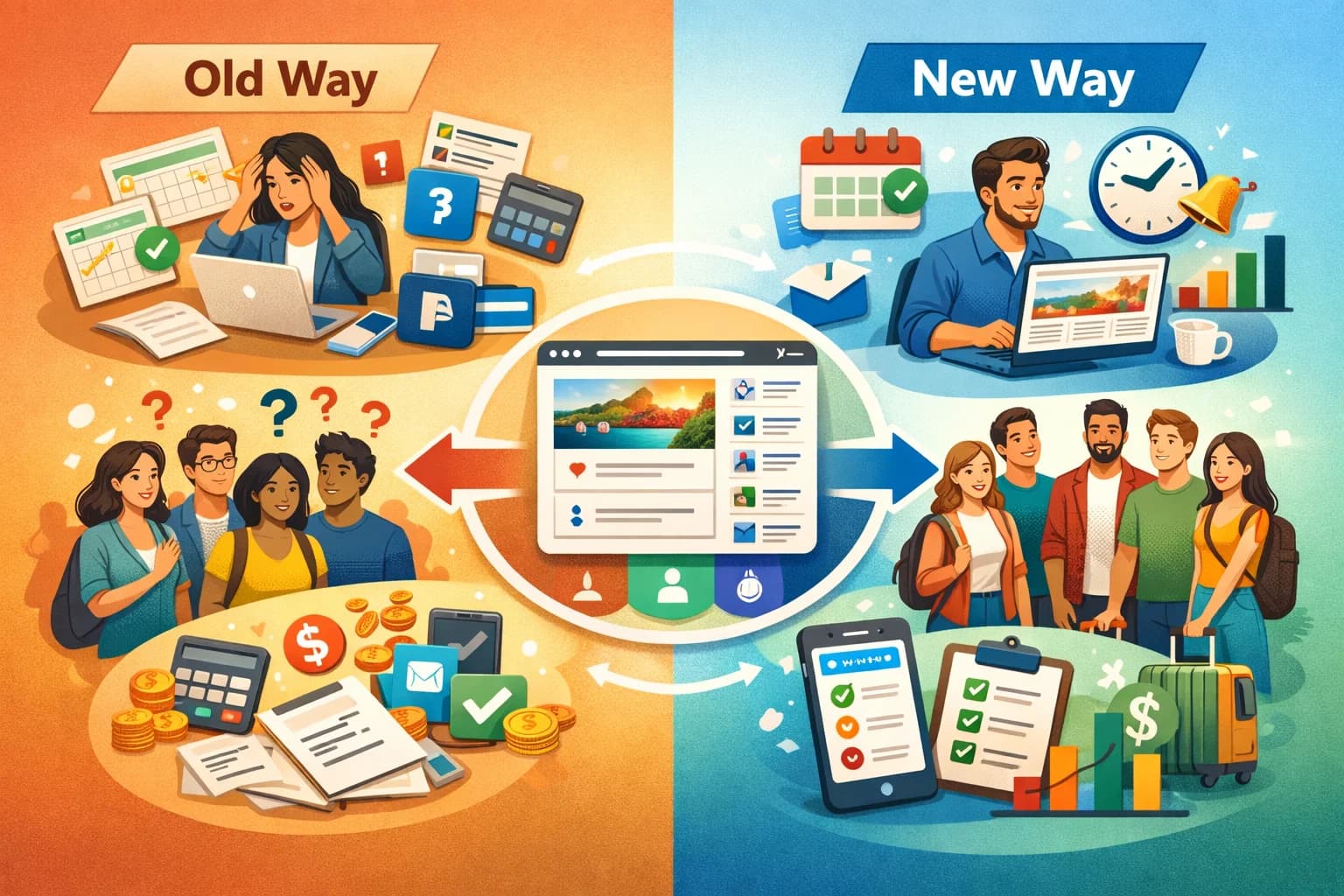
Before
-
Spreadsheets
-
Venmo links
-
Manual reminders
-
Confusion about balances
-
Missed deadlines
-
Personal stress
After
-
Structured trip page
-
Automated installment plans
-
Pre-due reminders
-
Overdue alerts
-
Real-time dashboard
-
Clear payment visibility
The difference is night and day.
How SquadTrip Helps You Automate Travel Payment Follow Ups
SquadTrip was built specifically for group trip hosts.
Instead of stitching together tools, you get:
-
Dedicated trip booking page
-
Built-in installment plans
-
Automated reminder sequences
-
Balance tracking dashboard
-
Refund management
-
Multi-trip management
Everything connected in one system.
You don’t need:
-
Separate invoice software
-
Separate reminder tools
-
Separate tracking sheets
It’s all centralized.
Conclusion
If you’re still sending manual reminders, tracking balances in spreadsheets, and worrying about late payments, it’s time to upgrade your system.
Learning how to automate travel payment follow ups isn’t just about saving hours every week. It’s about creating predictable cash flow, reducing awkward conversations, and running your trips like a professional operation.
With structured installment plans, automated reminders, and real-time dashboards, you can eliminate payment stress completely.
SquadTrip was built to help group travel hosts simplify booking, automate collections, and manage everything in one place.
Stop chasing payments. Start automating them. Create your trip page with SquadTrip today.
Frequently Asked Questions
1. How do I automate travel payment follow ups without sounding pushy?
The key is using system-generated reminders instead of personal messages. When reminders are automatically sent before and after due dates, they feel structured and professional rather than emotional. Platforms like SquadTrip send neutral, automated emails with payment links, so you’re not personally chasing anyone.
2. What’s the easiest way to set up installment payments for group trips?
The simplest method is using a travel-specific platform that allows you to create structured installment plans directly on your trip page. You can define deposit amounts, schedule payment dates, and automate reminders. This removes the need for spreadsheets or manual tracking.
3. Can automated reminders actually reduce late payments?
Yes. Most late payments happen because travelers forget, not because they don’t intend to pay. Pre-due reminders sent 7 days, 3 days, and on the due date significantly reduce overdue balances. Automation shifts you from reactive follow ups to proactive prevention.
4. Why don’t PayPal or Stripe subscriptions fully solve travel payment follow ups?
Payment processors handle transactions, but they don’t manage group travel coordination. They don’t provide traveler dashboards, structured installment flexibility, booking page integration, or multi-trip visibility. For group travel hosts, you need booking + payment + reminders connected in one system.
5. How can I see who has paid and who hasn’t without checking multiple apps?
You need a centralized payment dashboard. Instead of checking Venmo, PayPal, bank transfers, and spreadsheets separately, a real-time dashboard shows collected revenue, outstanding balances, and individual traveler payment status instantly.