TL;DR:
- An event booking manager replaces spreadsheets with one system for bookings, invoices, and reminders
- Your booking page is your storefront – design, clarity, and trust drive event bookings
- Real-world examples show pages for retreats, workshops, collabs, and corporate events
- A high-converting page needs a hero image, itinerary, payment clarity, and FAQs
- SquadTrip offers an all-in-one event booking manager with page builder, billing, and guest dashboards
Introduction
If your event booking still runs on duct tape and Google Drive, it is time to upgrade.
Successful events depend on a smooth booking process that feels professional and easy for guests. That is where an event booking manager comes in.
Instead of juggling spreadsheets, manual emails, and random payment links, you get one system that manages bookings, payments, and guest details from start to finish.
An event booking manager gives event professionals the tools to run events that look polished and convert more bookings. This guide will walk you through the features to look for, why your booking page design matters, and real examples of event pages that drive sign-ups.
What Is an Event Management Software?
An event booking manager is a type of event management software built to centralize guest registrations, payments, and communication. Instead of relying on multiple tools, this platform brings everything into one system that reduces errors and saves time.
Core Features: Guest Intake, Payment Plans, Automated Reminders
The best event management software includes guest intake forms that capture essential data like dietary needs, emergency contacts, and accommodation preferences. Payment options should include online payments, automated plans, and invoices. Automated reminders keep guests updated on schedules, tickets, and balances without adding manual tasks to your plate.
Why DIY Tools Can’t Scale for Serious Event Hosts
Spreadsheets and basic forms may work for private events with a handful of attendees. But once you start managing larger events or want to increase revenue, manual tools create risks like double bookings, missed invoices, and poor communication. Event organizers who want more revenue and fewer errors need a cloud based platform designed for professional event registration software.
Why Your Booking Page Matters More Than You Think
Think of your booking page as your storefront. If it looks messy or incomplete, guests may not trust it. A clean, user friendly event page builder communicates professionalism and builds trust immediately.
The Page Is Your Storefront – Clarity Builds Trust
Event bookings often come down to trust. Guests want to see clear pricing, a full itinerary, and the ability to pay securely. Professional event registration software makes this possible without needing a custom website build.
What Guests Look For: Design, Info, and Frictionless Checkout
Your guests are looking for key details upfront: event spaces, dates, ticket pricing, and what they can expect from the event. The booking process should feel seamless, with mobile access and fast online bookings. Add FAQs to answer common concerns and reduce friction.
Real Booking Page Examples That Convert
Here are examples of how different event professionals use an event booking manager to deliver pages that convert.
Wellness Retreat with Upsell Options
A wellness retreat host creates a page with itinerary blocks, catering options, and optional upsells like private workshops. Guests can book with flexible payments and see exactly what is included.
Speaker-Led Workshop with Payment Tiers
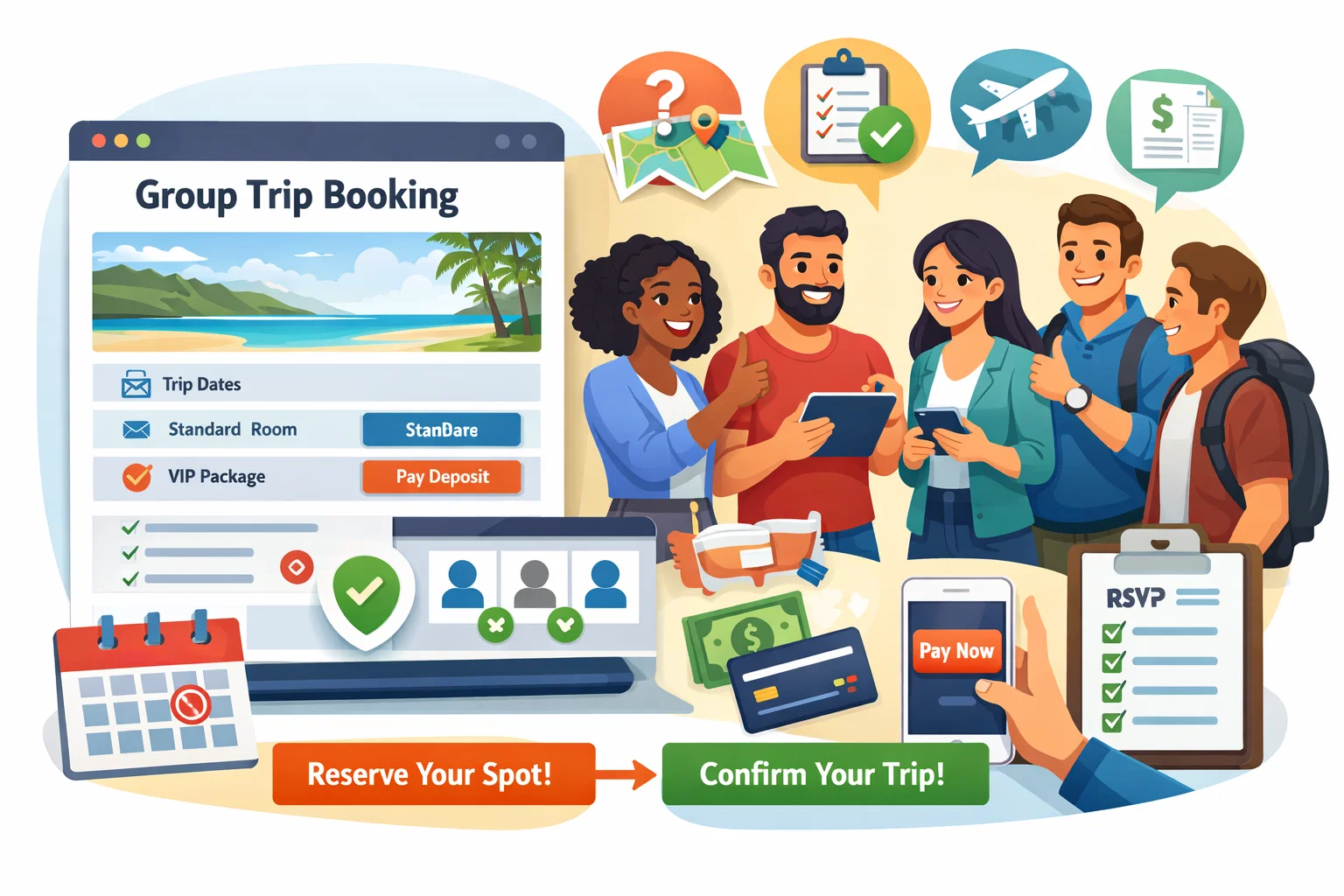
A workshop page uses tiered ticket pricing. Early bird sales and VIP packages are displayed clearly, helping increase revenue while offering choice to attendees.
Creator Collab Trip with Branded Visuals
Influencers use branded visuals and cohesive design to turn followers into paying customers.
Corporate Offsite with Private Guest List
For corporate retreats, organizers create private events with password-protected access. Only invited team members can see the booking page and confirm attendance.
Hybrid Training with Instant Digital Access
Trainers running hybrid events add instant access links for online event materials once payment is complete. This makes the management software a powerful solution for both in-person and digital experiences.
Booking Page Checklist for High-Converting Events
Every high-performing booking page includes certain must-haves.
Must-Haves: Hero Image, Itinerary, Payment Clarity, FAQs
- Hero image that matches your brand
- Clear schedule and event calendar
- Transparent payment information and ticket pricing
- FAQ section to reduce support tickets
Optional: Testimonials, Urgency, Add-Ons
- Testimonials that serve as social proof
- Countdown timers or limited-availability notes
- Add-ons like catering upgrades or one-on-one sessions
SquadTrip: Your All-In-One Event Booking Manager
SquadTrip is designed to give event organizers and hosts comprehensive solutions for managing events of all sizes.
Page Builder, Automated Billing, Waiver Collection, Guest Dashboard
With SquadTrip, you get a drag-and-drop event page builder, automated payment plans, waiver collection, and a guest dashboard for attendees to access event data, invoices, and schedules.
Designed for Retreats, Summits, Team Events, and Experiences
Whether you are running retreats, summits, online events, or company off-sites, SquadTrip’s event management software adapts to unique needs. It keeps operations streamlined and ensures every booking is managed in one system.
Pre-Launch QA: What to Check Before Going Live
Even with the best tools, final checks matter.
Mobile Check, Test Transactions, Link Confirmations
- Preview your booking page on mobile to ensure it looks clean
- Run a test transaction to confirm the online payment process is working correctly
- Check all links to event spaces, itinerary documents, and contracts
Get Started with SquadTrip
Ready to stop managing event bookings with spreadsheets? Start your free SquadTrip account today and use one system to manage pages, payments, and guests.
Frequently Asked Questions
Q1. What kind of payments can I accept through SquadTrip?
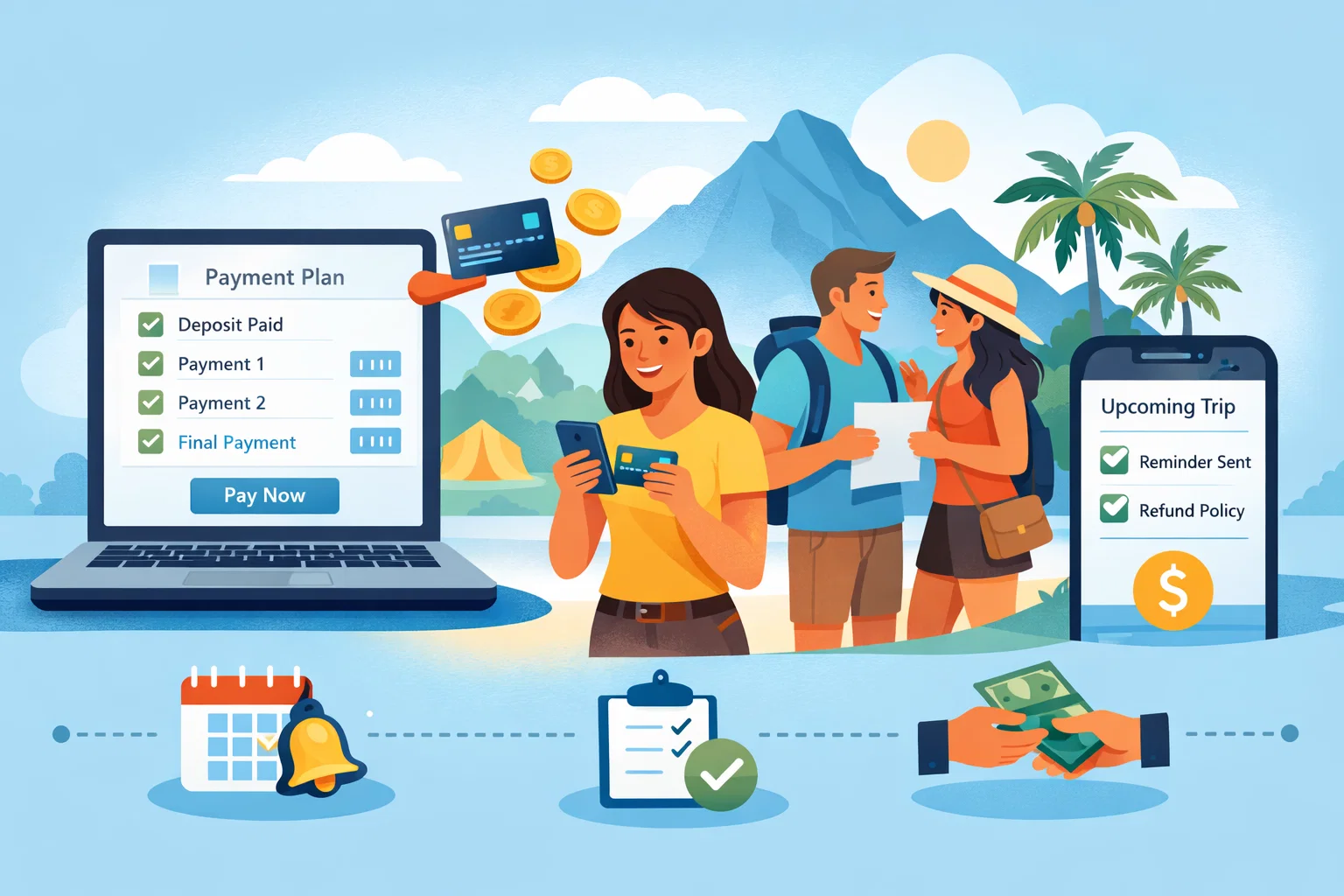
You can collect full payments, deposits, or create automated installment plans. The system also generates invoices automatically, making accounting easier for organizers.
Q2. How is SquadTrip different from using Google Forms or spreadsheets?
Spreadsheets can’t automate reminders, collect payments, or prevent double bookings. SquadTrip brings all of that under one dashboard saving time and reducing manual errors.
Q3. How can I use testimonials or reviews to increase bookings?
Placing short testimonials or guest quotes near your pricing or checkout section builds credibility. Real feedback helps visitors picture the experience and reduces hesitation before booking.
Q4. Can SquadTrip integrate with other tools I use for marketing or email?
Yes. You can connect SquadTrip with your email or CRM tools to automate follow-ups, add guests to mailing lists, or send post-event surveys.
Q5. Is SquadTrip only for large events, or can small hosts use it too?
It works for both. Small retreat hosts and large organizations use the same tools you can start small and scale up as your events grow.